
What guests see when they open your guide
A walkthrough of the guest experience, including the Home, Stay, Explore, Extras and Search tabs.
Updated
Guests open your guide in a browser, with no app and no account. This is what they find, in the order they see it across the bottom of the screen.
Home
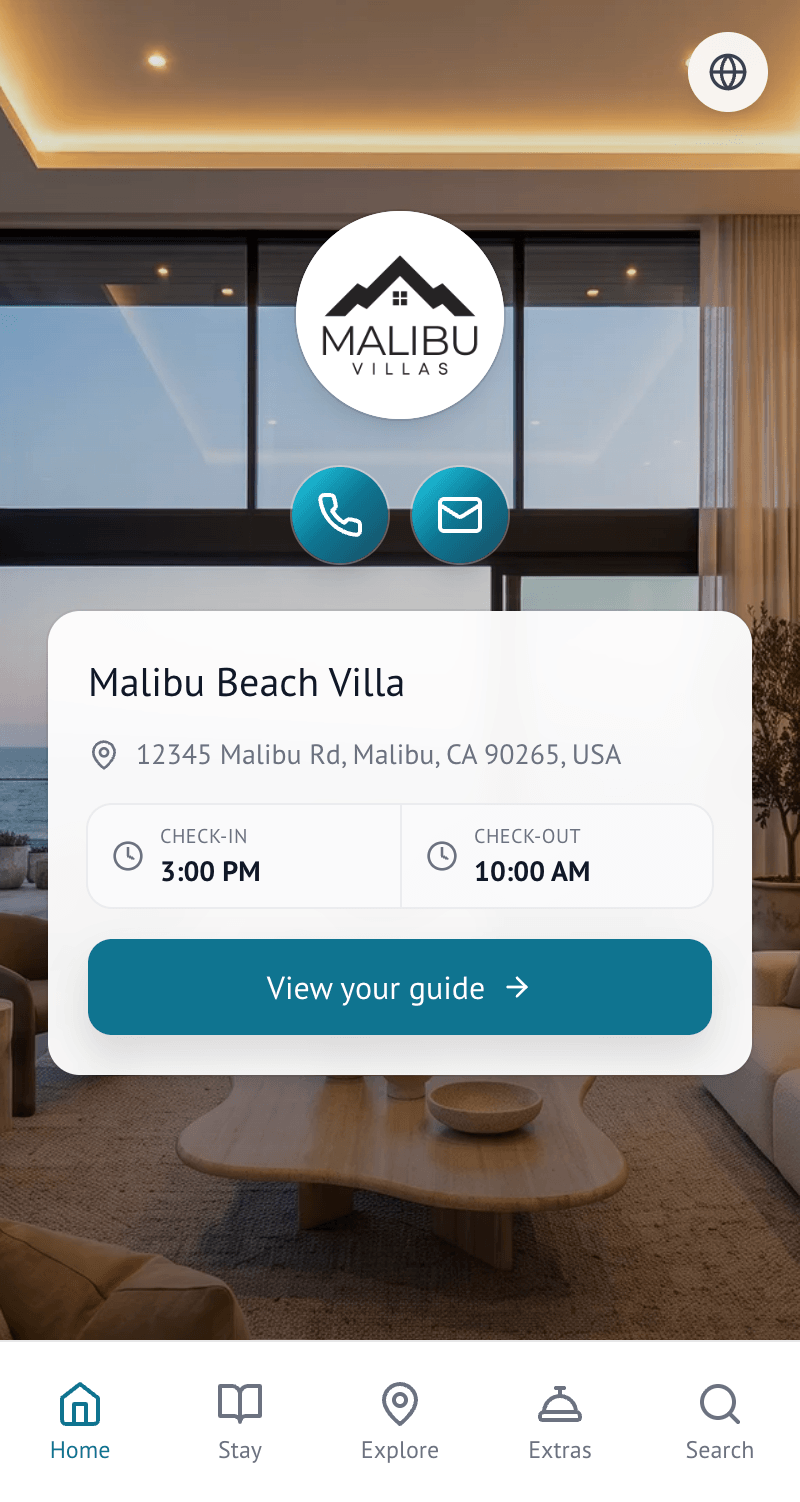
The Home tab shows the property cover image, property name and the details you have chosen to surface — such as check-in and check-out times, host contact buttons and a welcome message. It helps guests immediately confirm they are in the right guide and find the information they are most likely to need first.
Stay
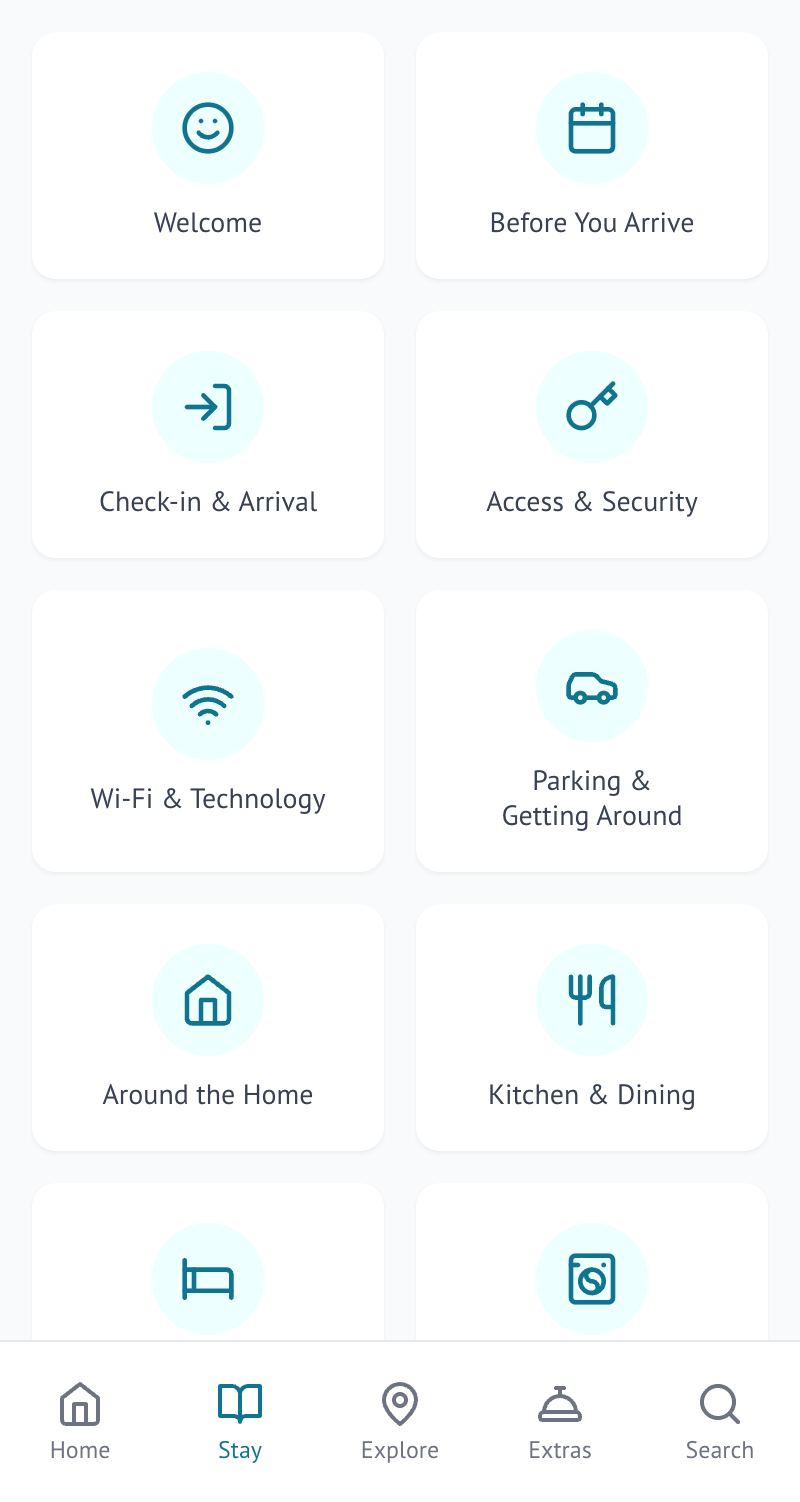
Stay holds the practical information about the property, organised into categories guests can browse — arrival, Wi-Fi, access, parking, appliances, house rules and check-out, for example. Guests tap a category to see what's inside. This is where the bulk of a guide's content lives.
Explore
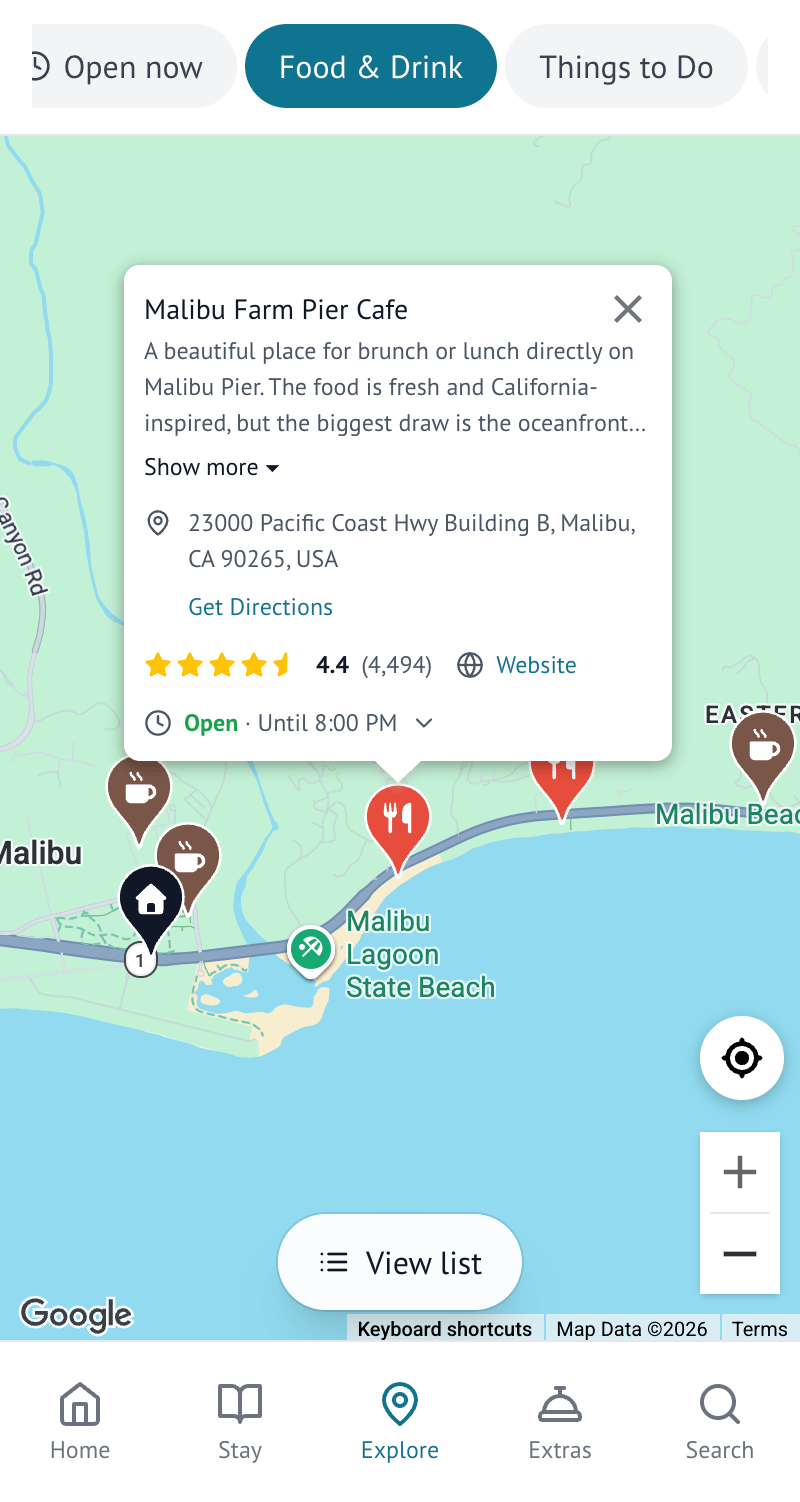
Explore shows your local recommendations as a list and on a map. Guests can read your host note for each one, and — depending on what information is available for that place — get directions, visit its website, call it, or check its opening hours and rating.
Extras
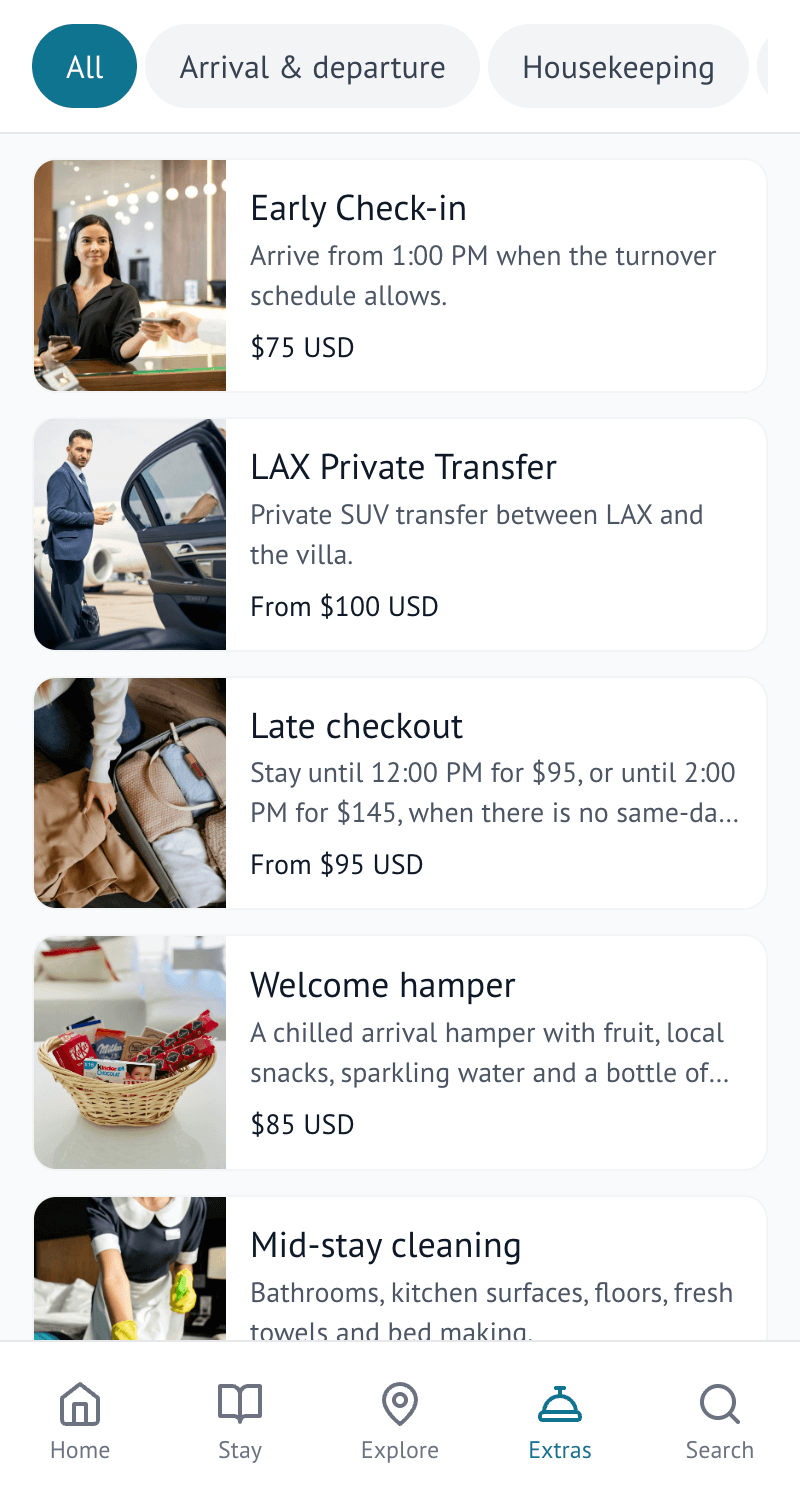
If you offer any, guests see a tab for browsing and requesting paid or free add-ons — an early check-in, an airport transfer, and so on. This tab only appears when a guide actually has live Extras. See What are Extras?
Search and Ask Flo
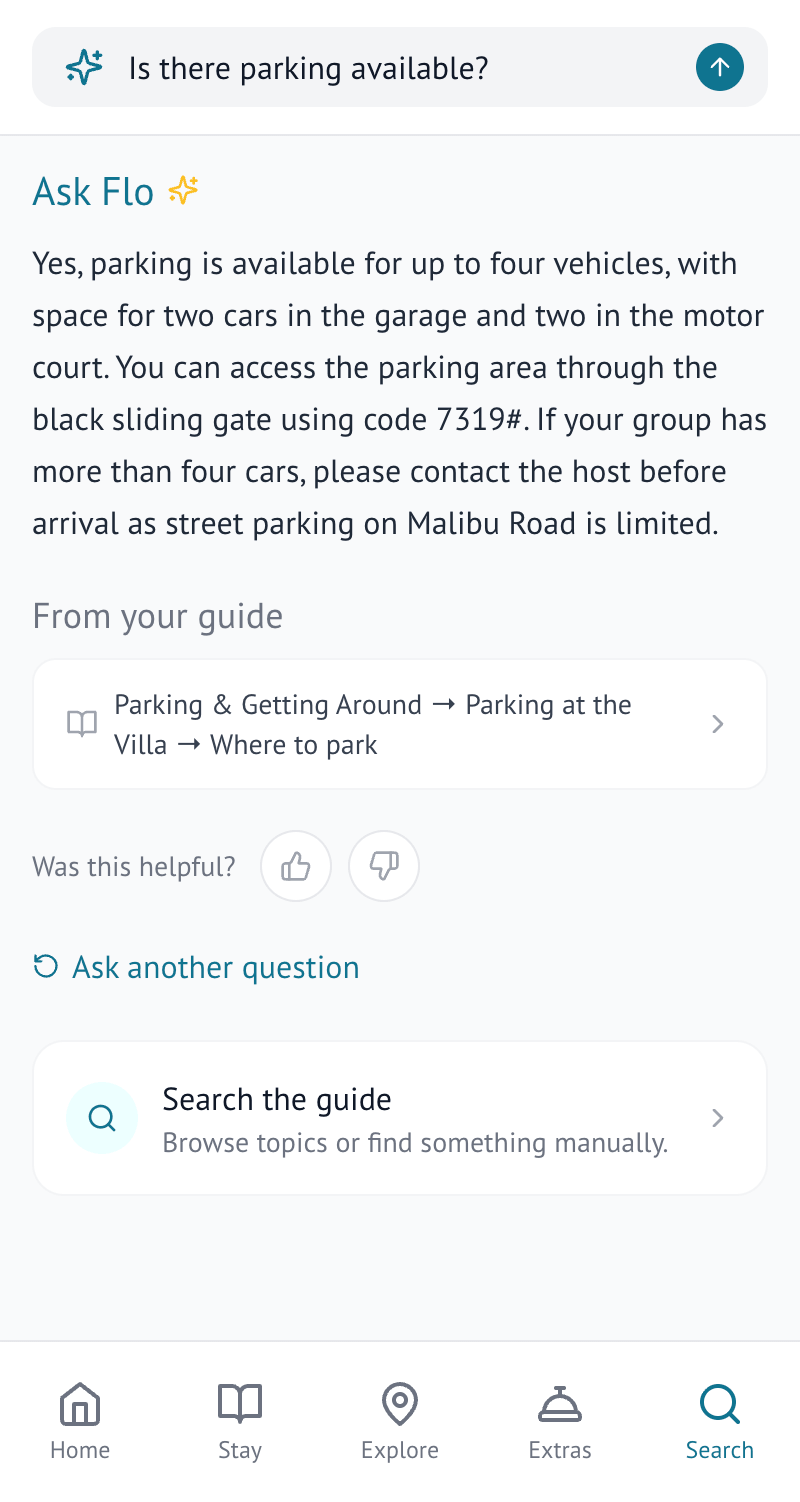
Search lets guests search across the whole guide directly, rather than browsing through categories — useful when they know exactly what they want, such as "Wi-Fi", "bins" or "parking". On Pro and Business, guests can also switch to Ask Flo from this tab and ask a complete question in their own words. Ask Flo is not a separate tab of its own — it lives inside Search. It answers using the content already in your guide and points guests back to where that answer came from. See Ask Flo: guest questions answered instantly
It is worth searching your own guide for the questions guests ask most often. If a search does not return anything useful, that may point to information worth adding or making easier to find.
Choosing a language
On Pro and Business, you can turn on Flo Translations for a guide and choose which languages guests can use. When translation is enabled, guests can tap the globe button on the Home tab and choose from the languages you have made available, and the guide's content is then shown in that language. See Translate your guide with Flo Translations
On a phone
Most guests read guides on a phone, one-handed, often in a hurry. Everything is designed for that first — which is also why it is worth previewing your own guide on a phone rather than a laptop before you share it.
