
Templates
Choose a structure designed for the kind of stay you manage.
WelcomeFlo features
Create it faster, give guests one clear place to look, and use Flo, Extras and analytics to do more with every stay.
Free forever for one guide · No credit card
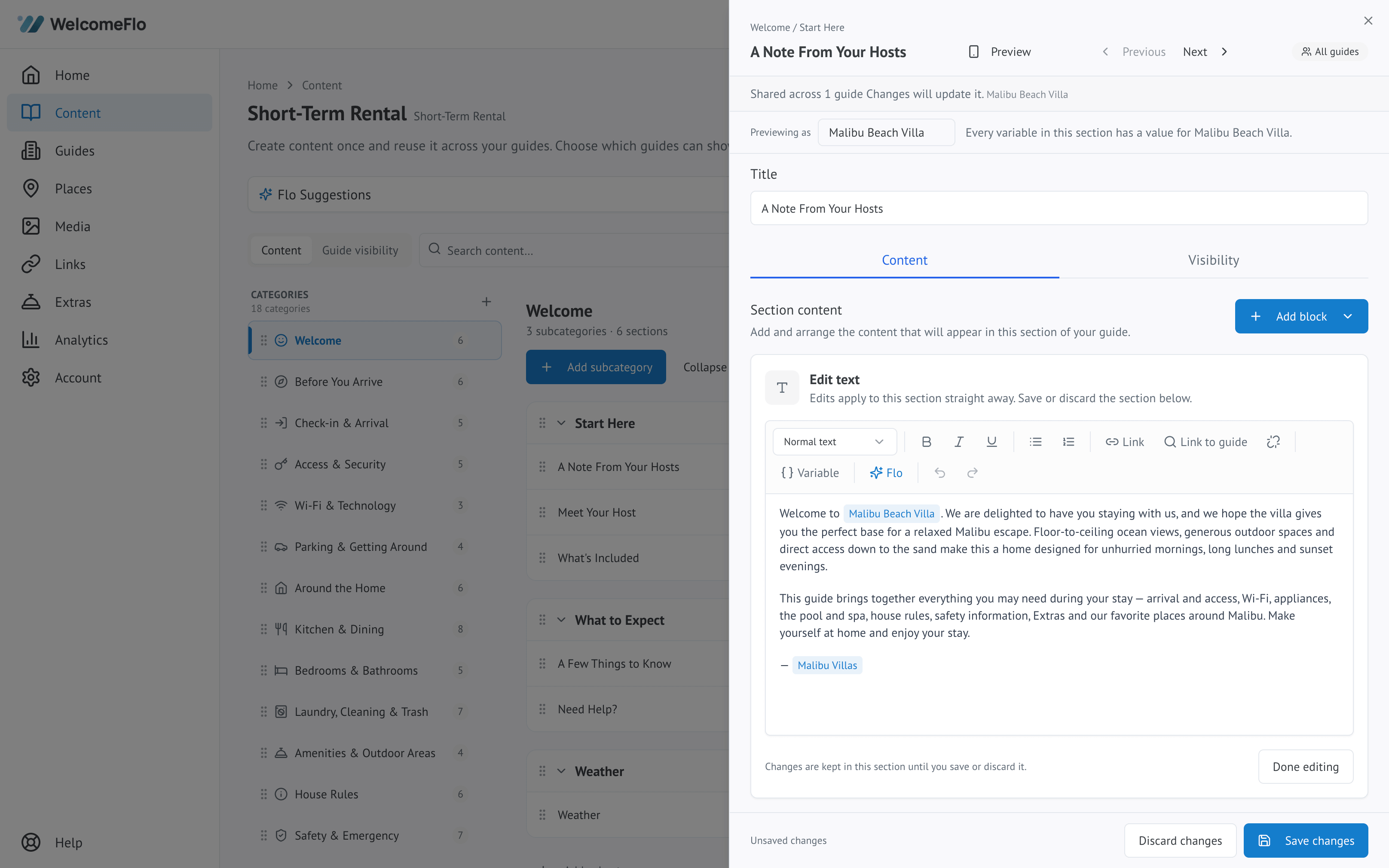
Create
Four ways to begin, depending on what you already have.
Choose a structure designed for the kind of stay you manage.
Bring useful details in from supported Airbnb and Booking.com listings.
Turn existing guest information into editable guide content.
Build a guide manually when you want complete control.
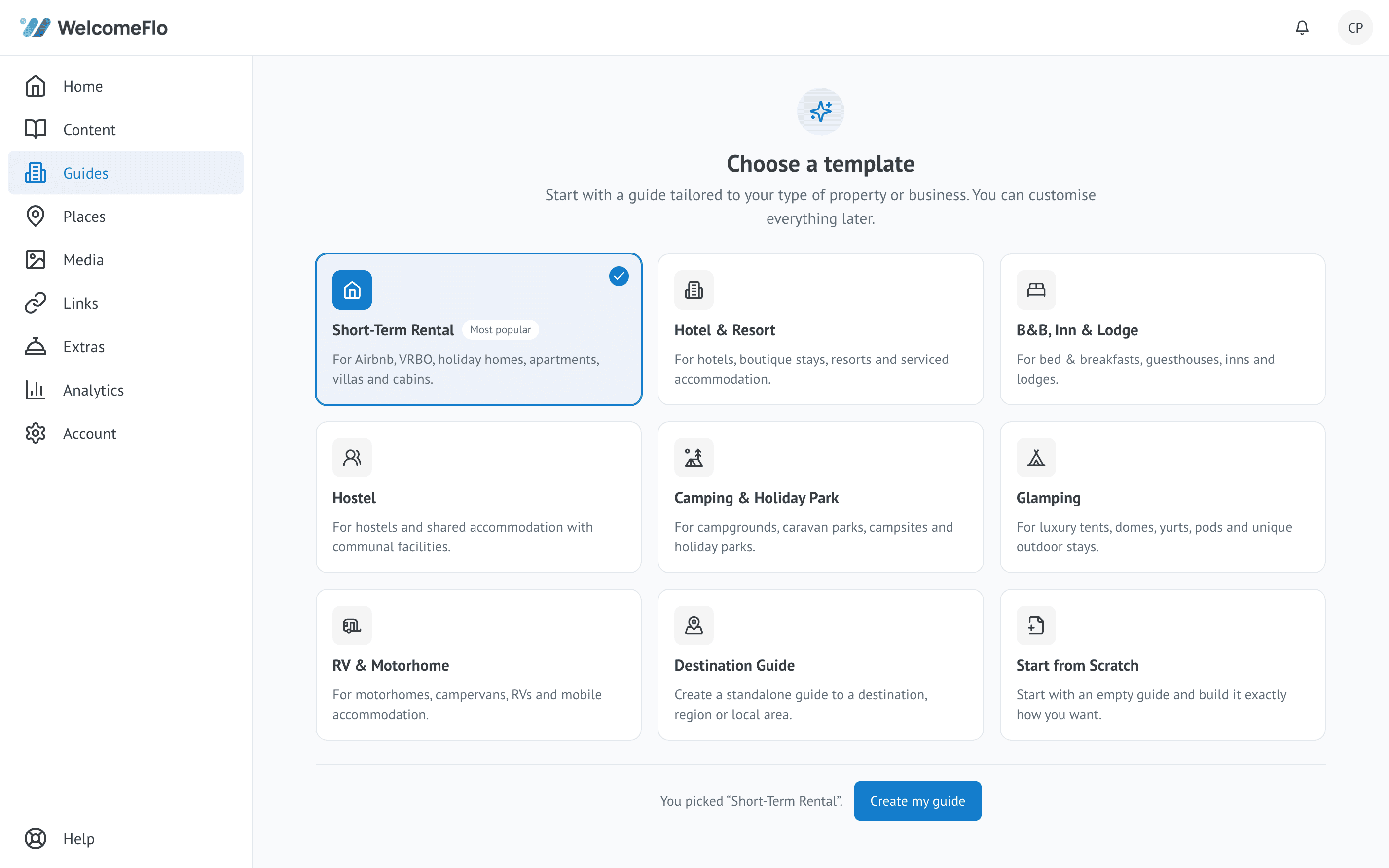
Guide editor
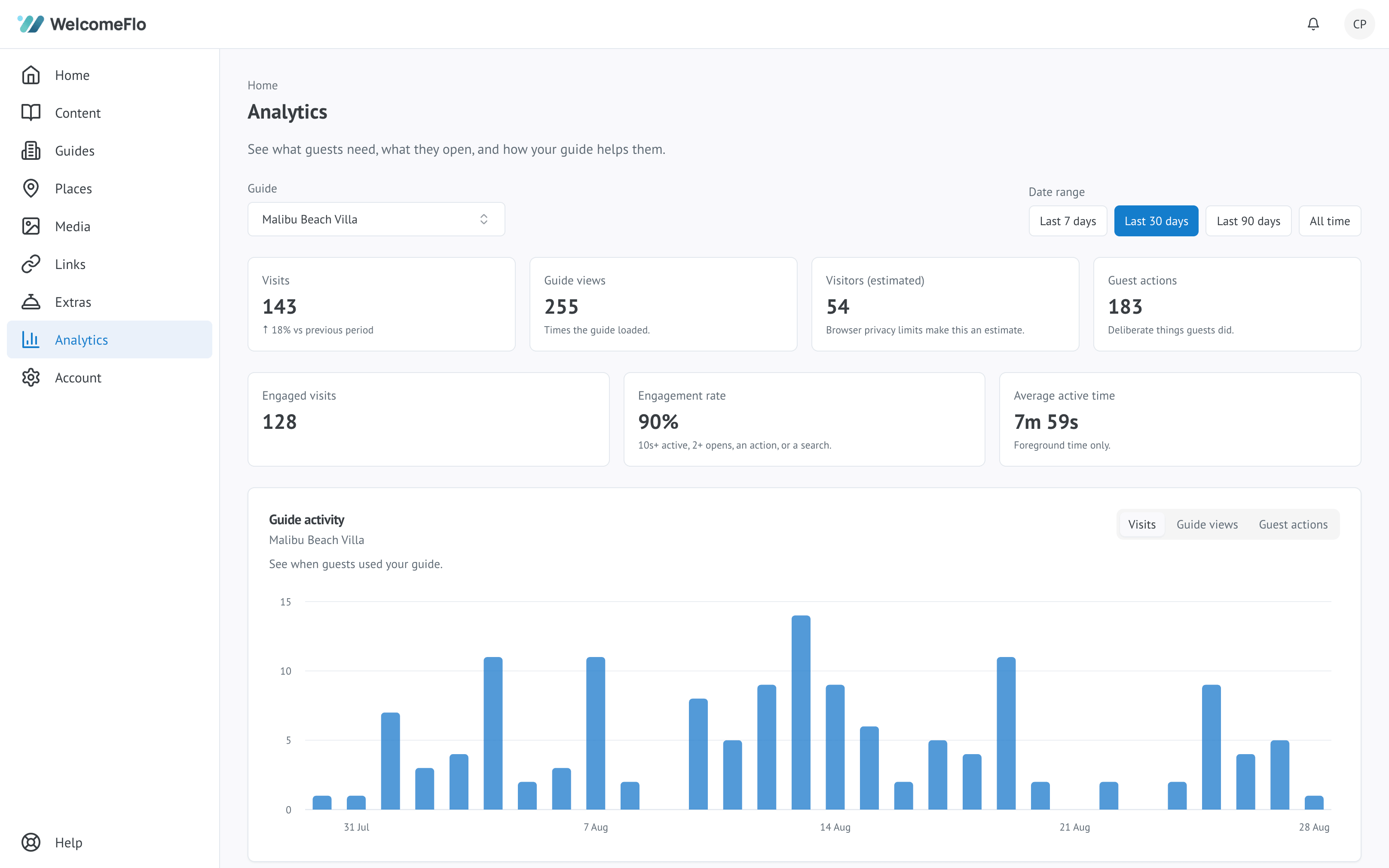
Organise content the way guests will look for it, not the way it happened to get written.
Give guests a guide organised around the stay — not one endlessly scrolling document.
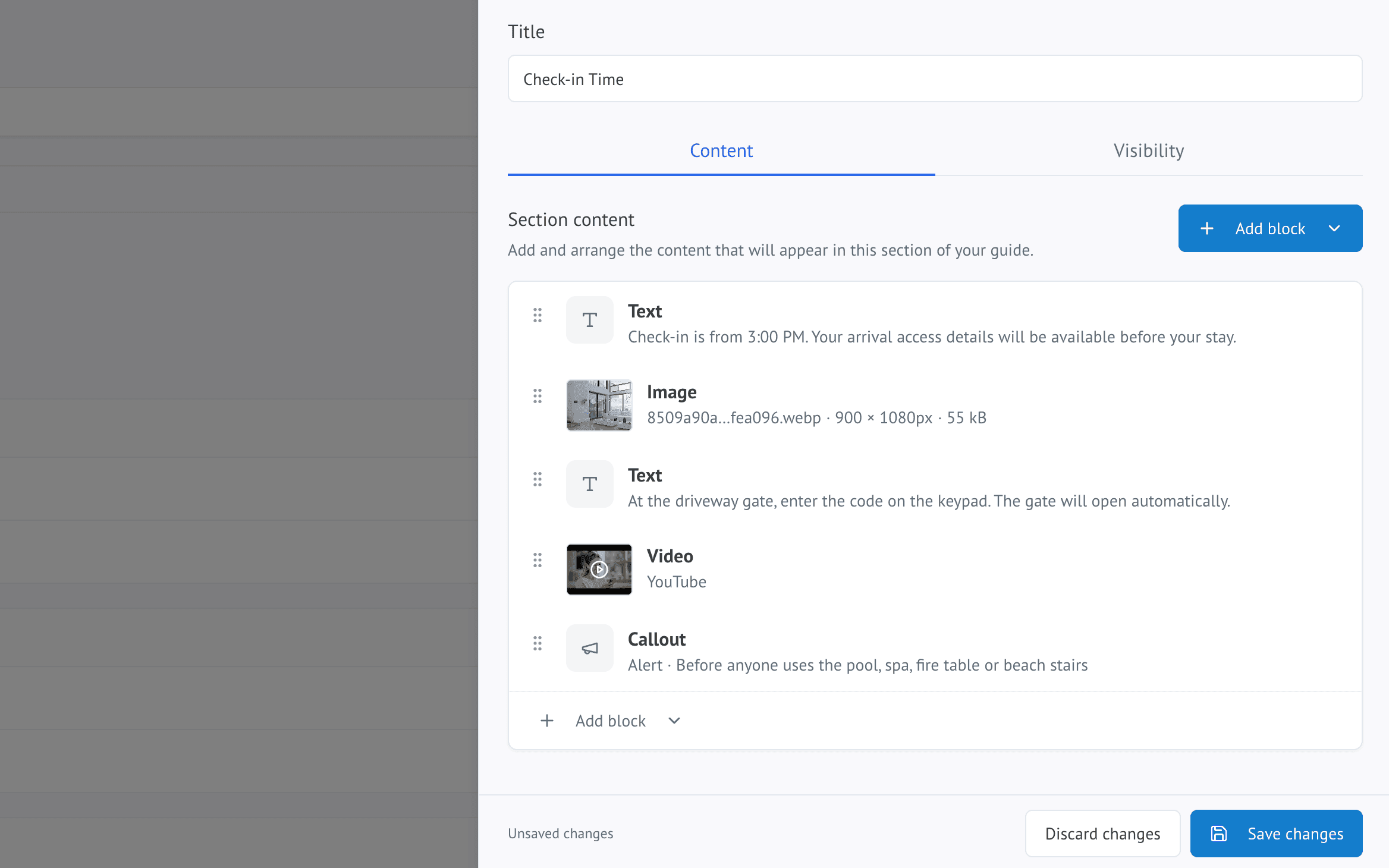
Guest experience
Guests open one link. There is nothing to download and no account to create.
Home, Stay, Explore, Extras & Search
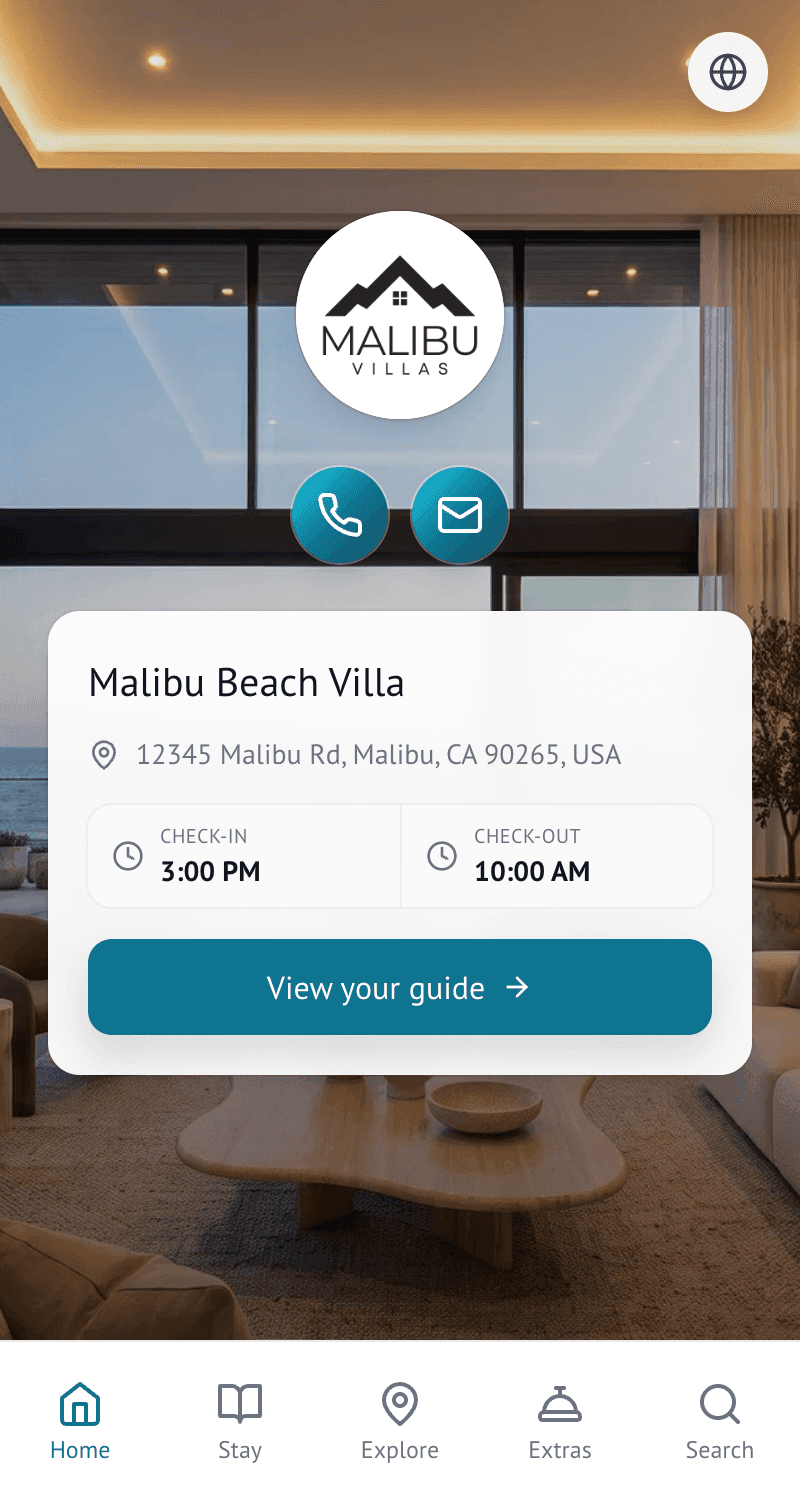
Useful guide tools
Practical tools guests can use immediately, without leaving the guide.
Guests can copy the network and password or use the Wi-Fi QR flow.
Put arrival and departure times where guests can see them clearly.
Useful local conditions without leaving the guide.
Make directions easy to open.
Keep appropriate contact options easy to find.
Explore
Add the places you genuinely recommend, enriched with useful place information guests already understand.
Flo Places
Need ideas? Flo can help discover nearby places worth considering, while you decide what appears in the guide.
Flo
Create guides faster, improve content and help guests find answers.
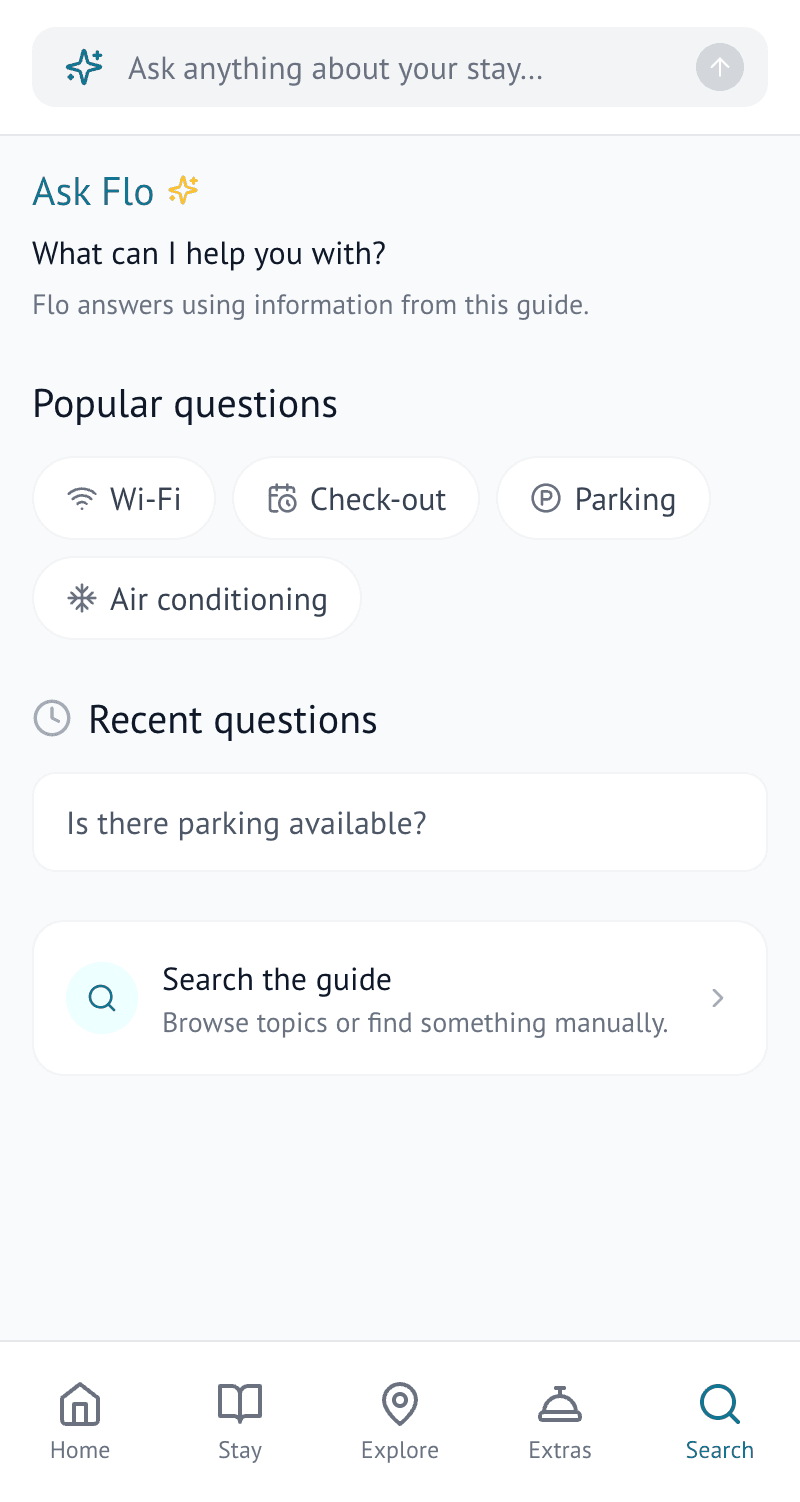
Give guests an answer without another message. Ask Flo answers using content already in the guide and links back to the relevant Stay, Explore or Extras section.
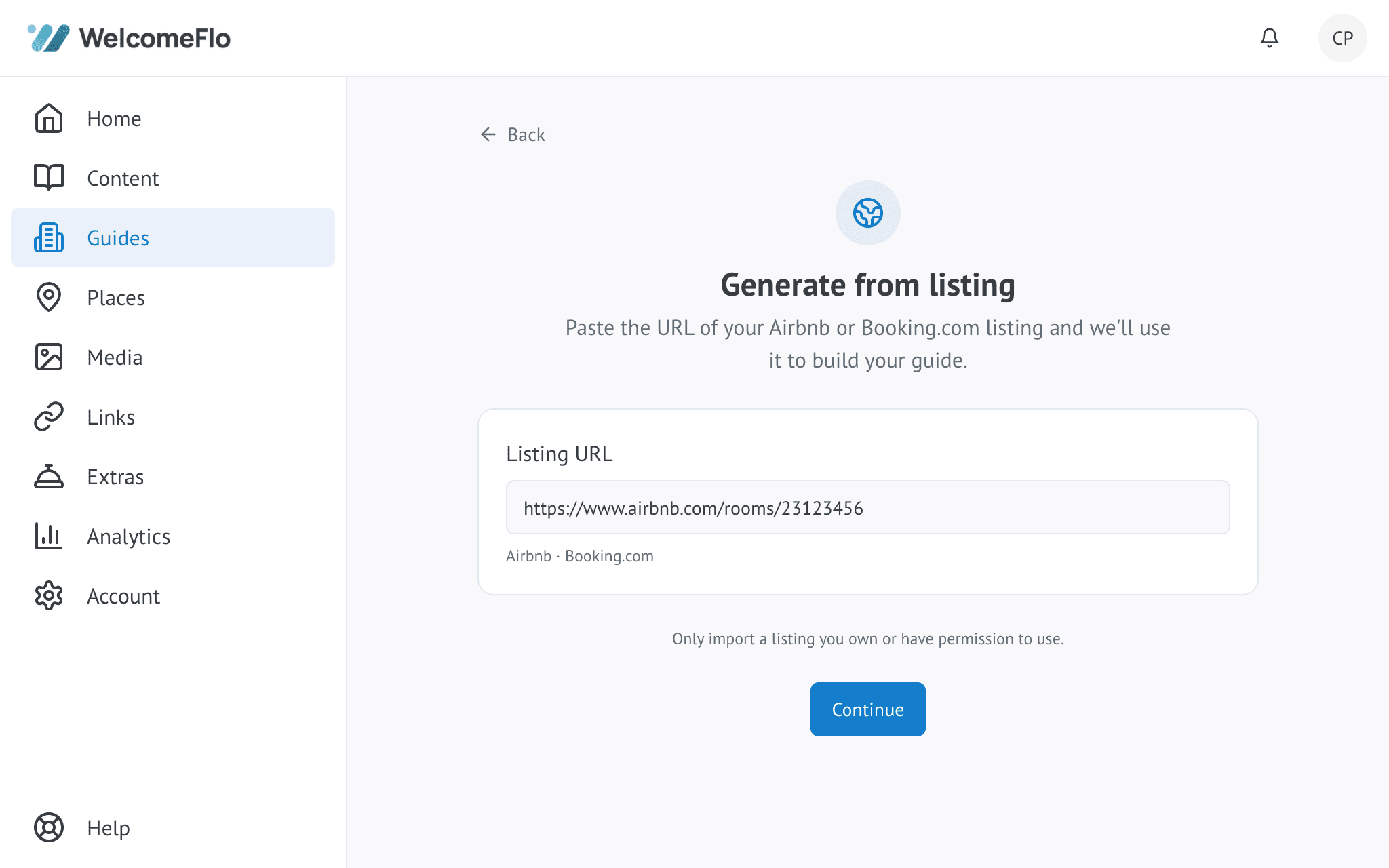
Turn what you already have into a guide. Start from a supported Airbnb or Booking.com listing, or upload a PDF or DOCX guide, then review everything before it is finalised.
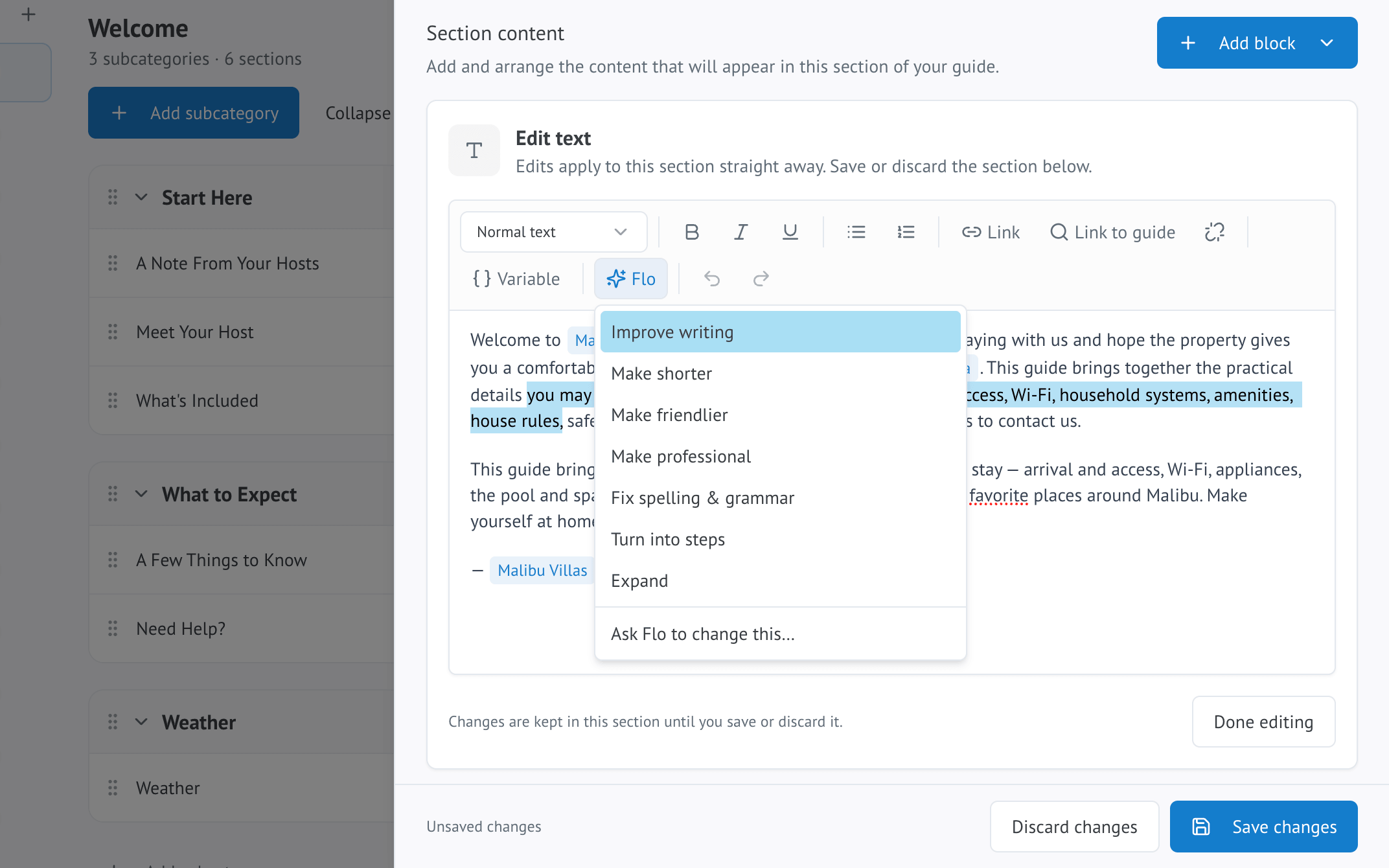
Get help writing the parts guests actually read. Improve, shorten, rewrite, fix grammar, expand a note or turn instructions into steps — right inside the editor.
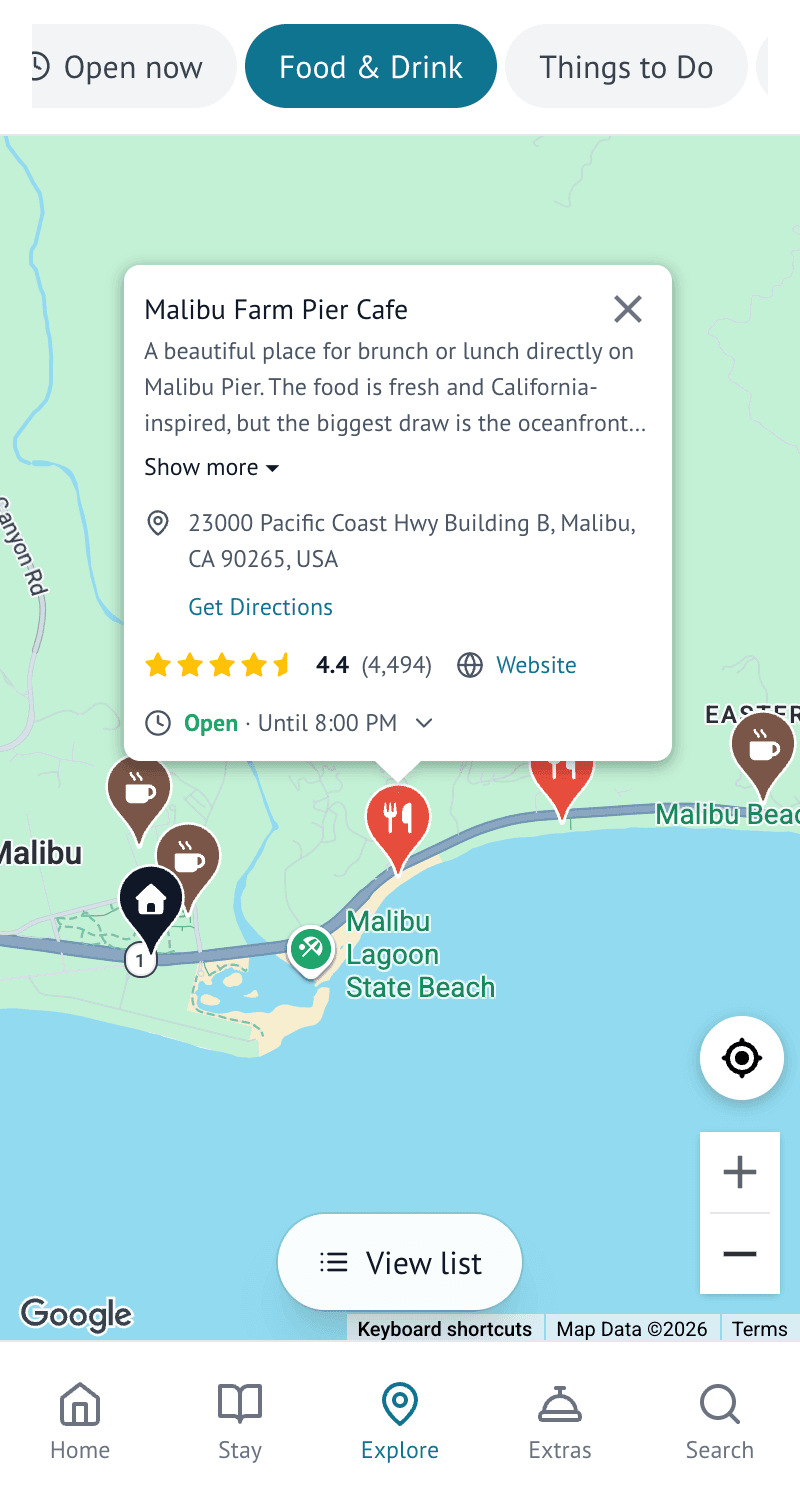
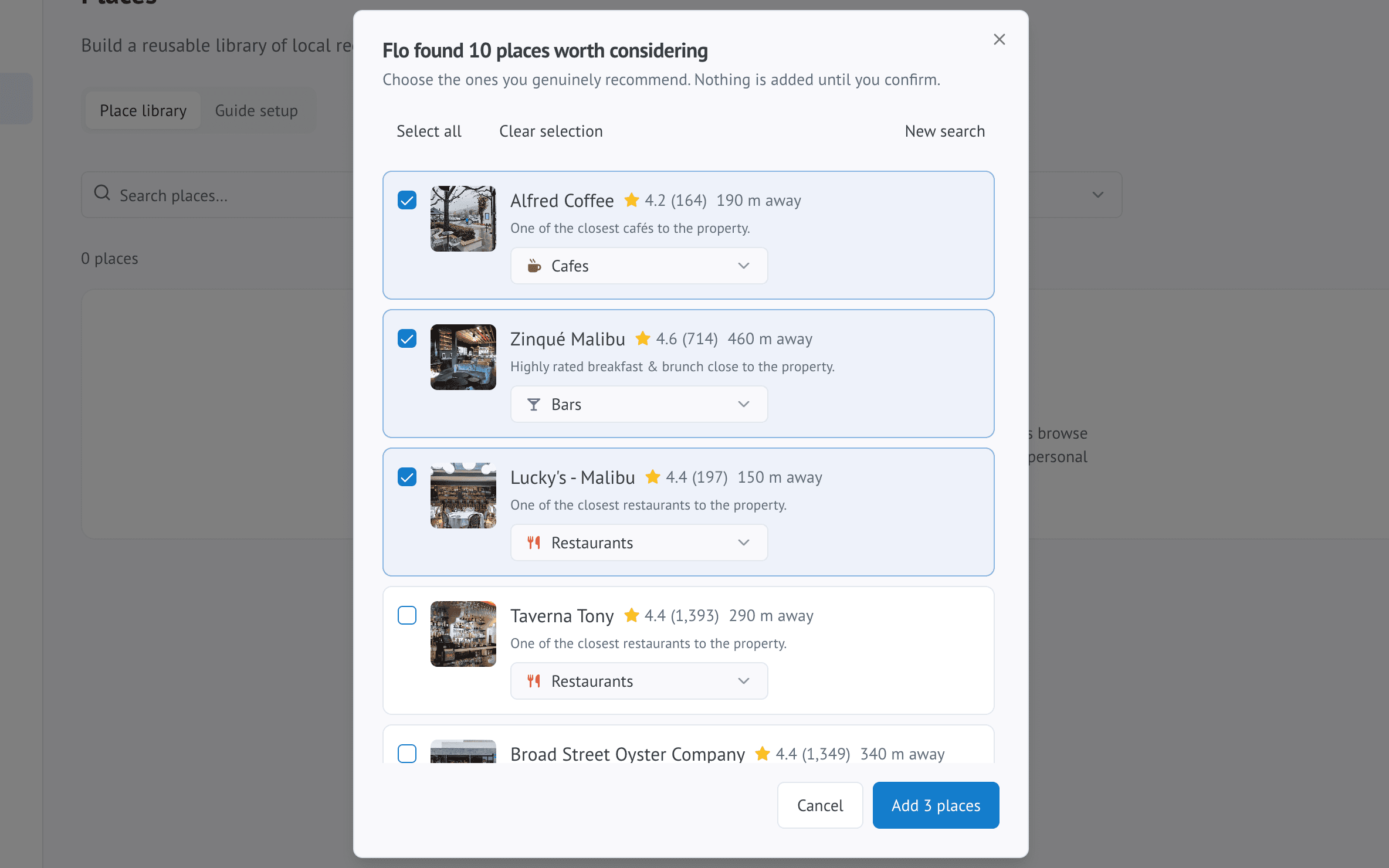
Find nearby recommendations worth sharing. Search near your property, review useful suggestions and choose what actually appears in your guide.
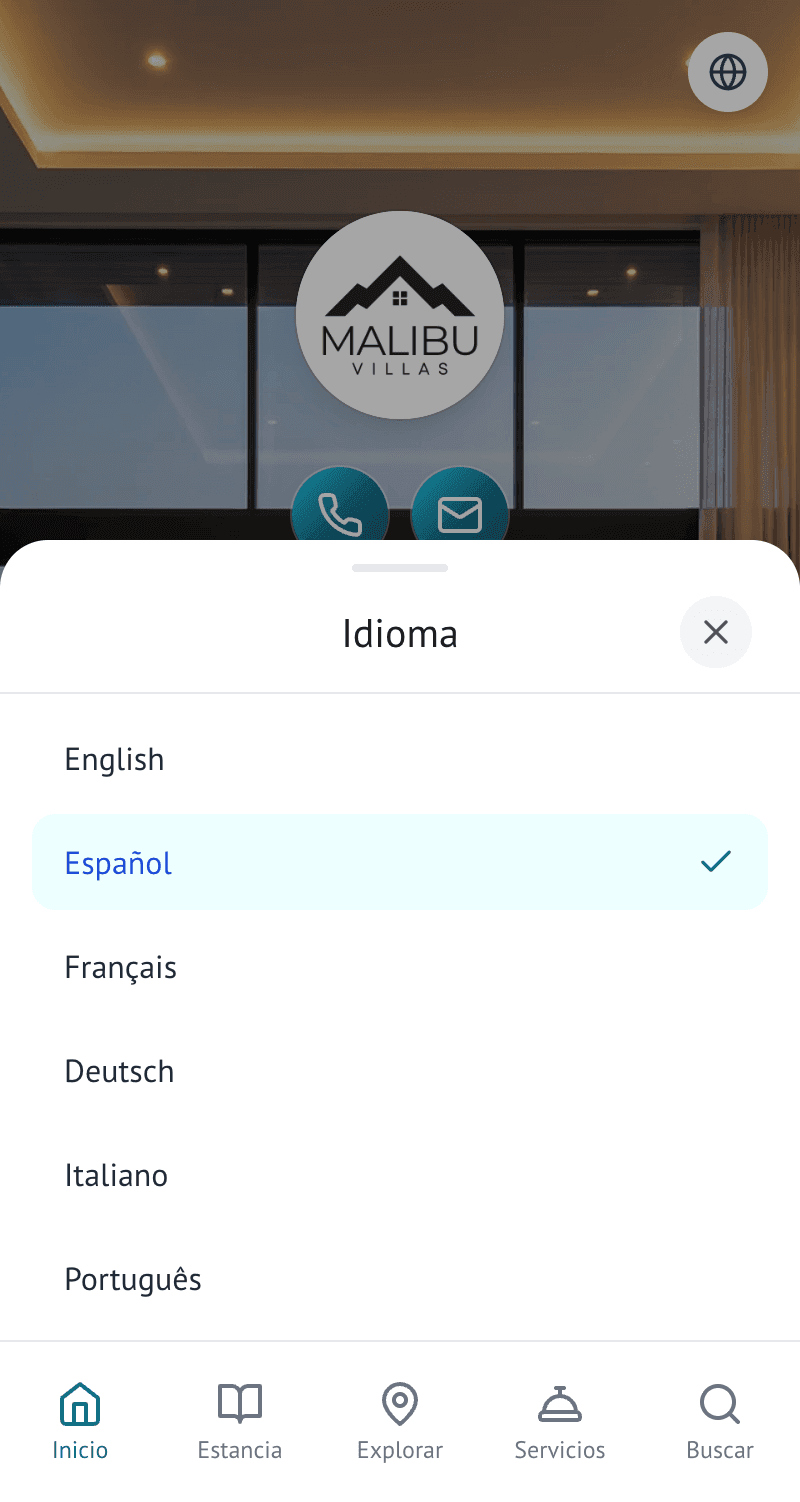
Welcome more guests in their own language. Guests choose their preferred language and view supported guide content translated, without you maintaining separate guides.
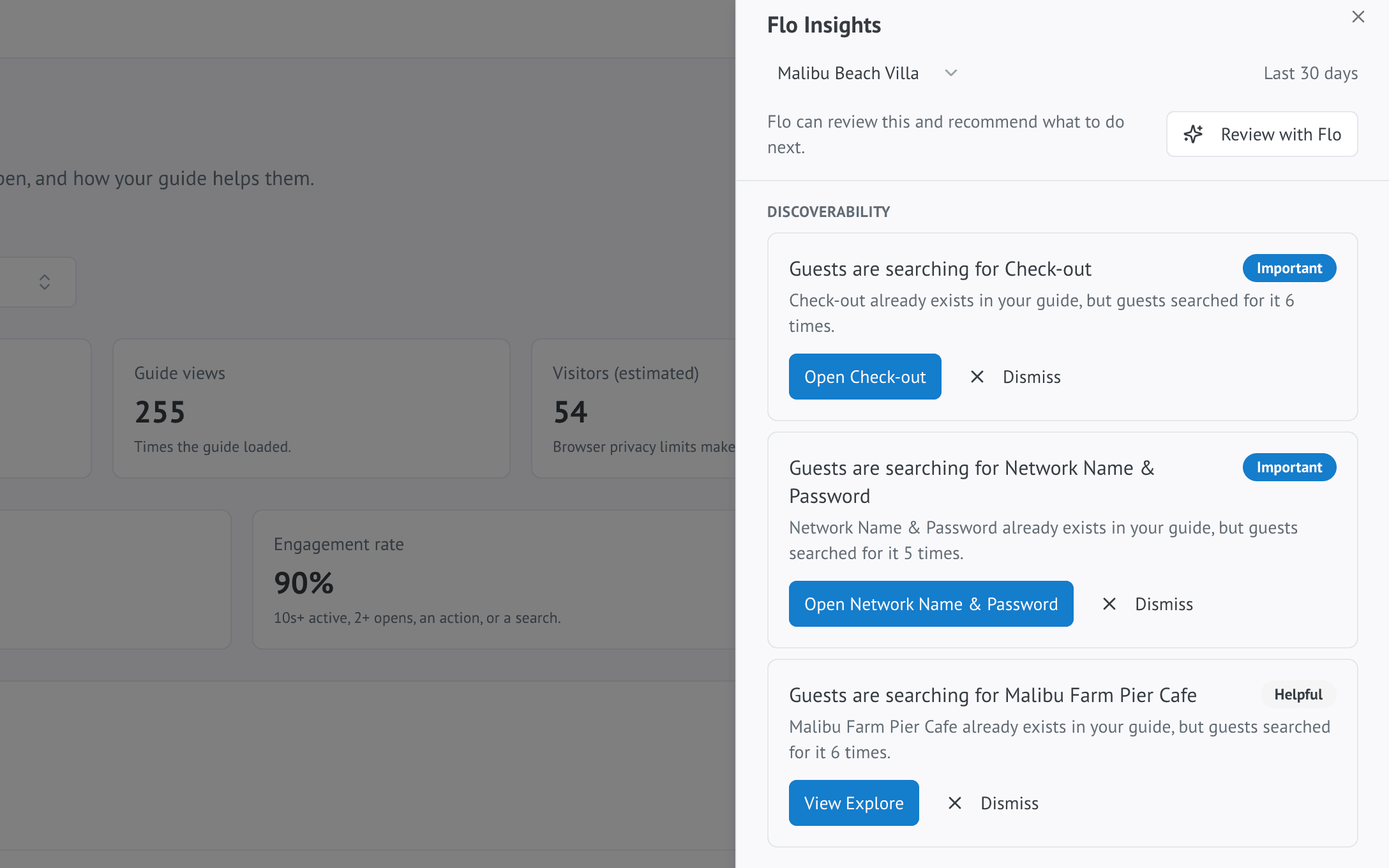
See what would make your guide better. Flo uses guest behaviour to surface opportunities to improve the guide, with deeper AI-powered analysis on Pro and Business.
Extras
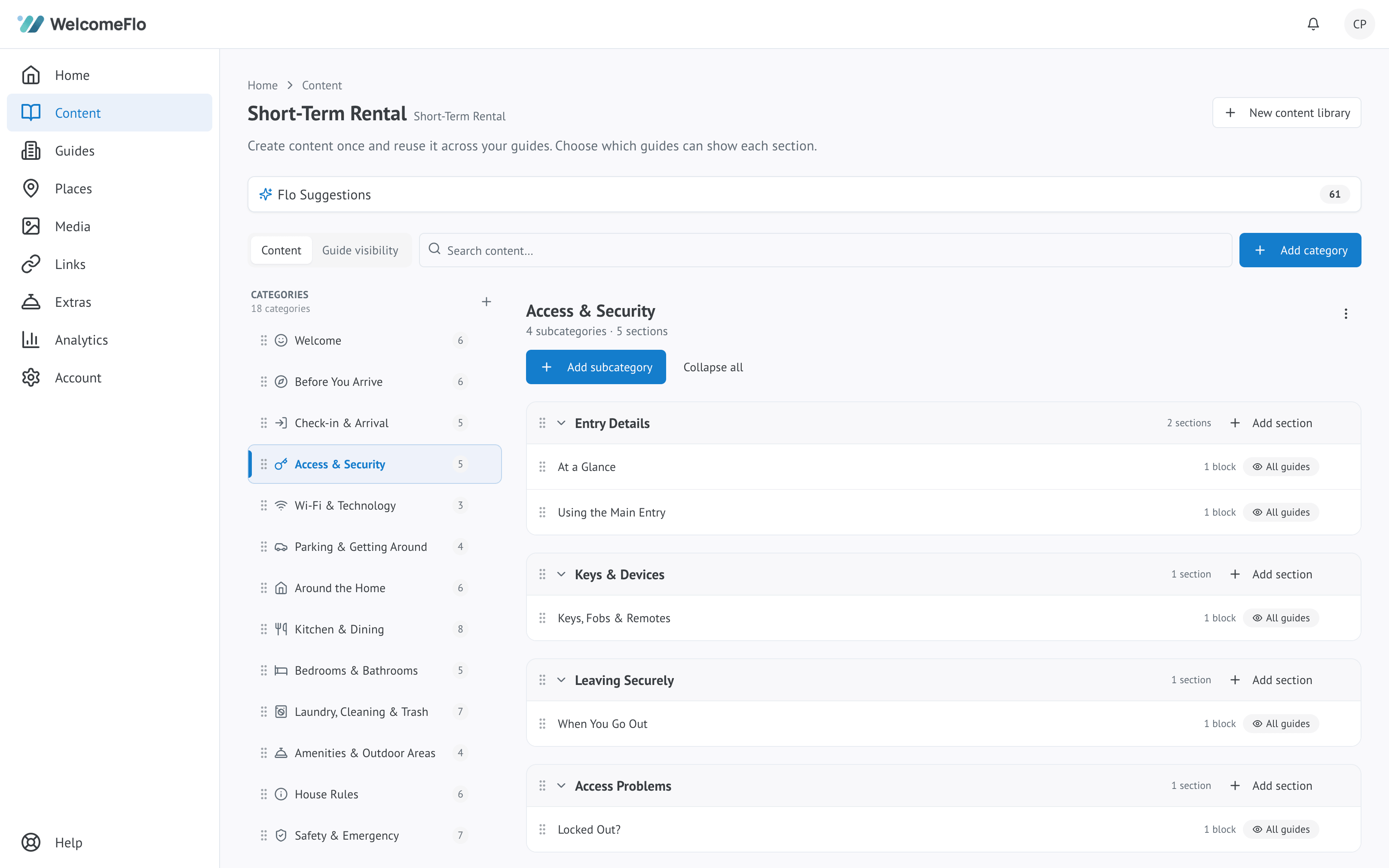
Guests browse and request Extras from inside the guide — no separate app or catalogue.
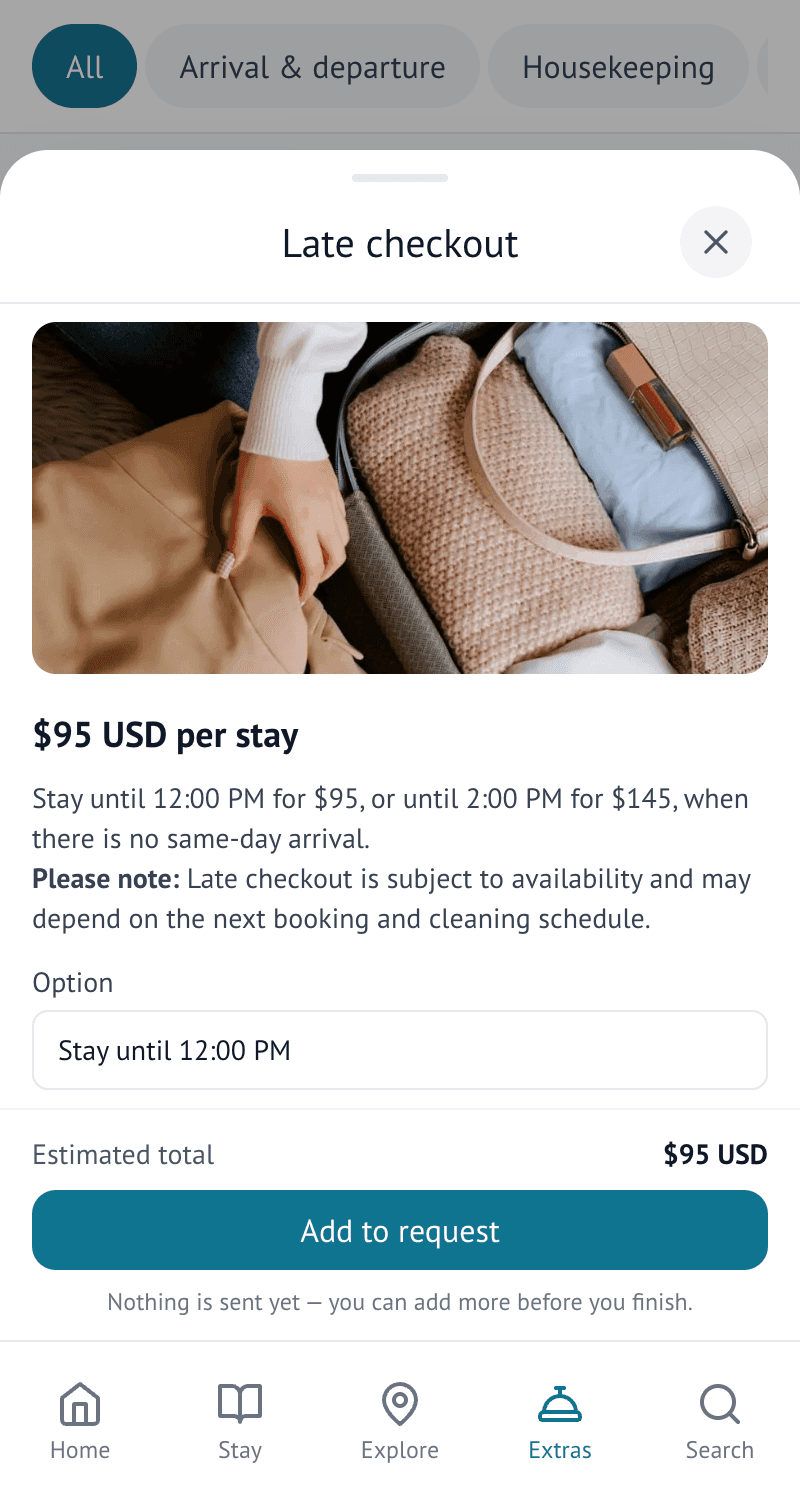
Examples hosts offer today
These are examples — hosts choose which Extras to offer, not a fixed list every host must use.
How pricing works
Fixed price
Guests pay a set price in the guide.
Free
Offer extras with no charge.
Price on request
Quote the guest before confirming.
WelcomeFlo takes 0% commission on Extras. Payments are processed through your own Stripe account and go straight to you. Standard Stripe processing fees apply.
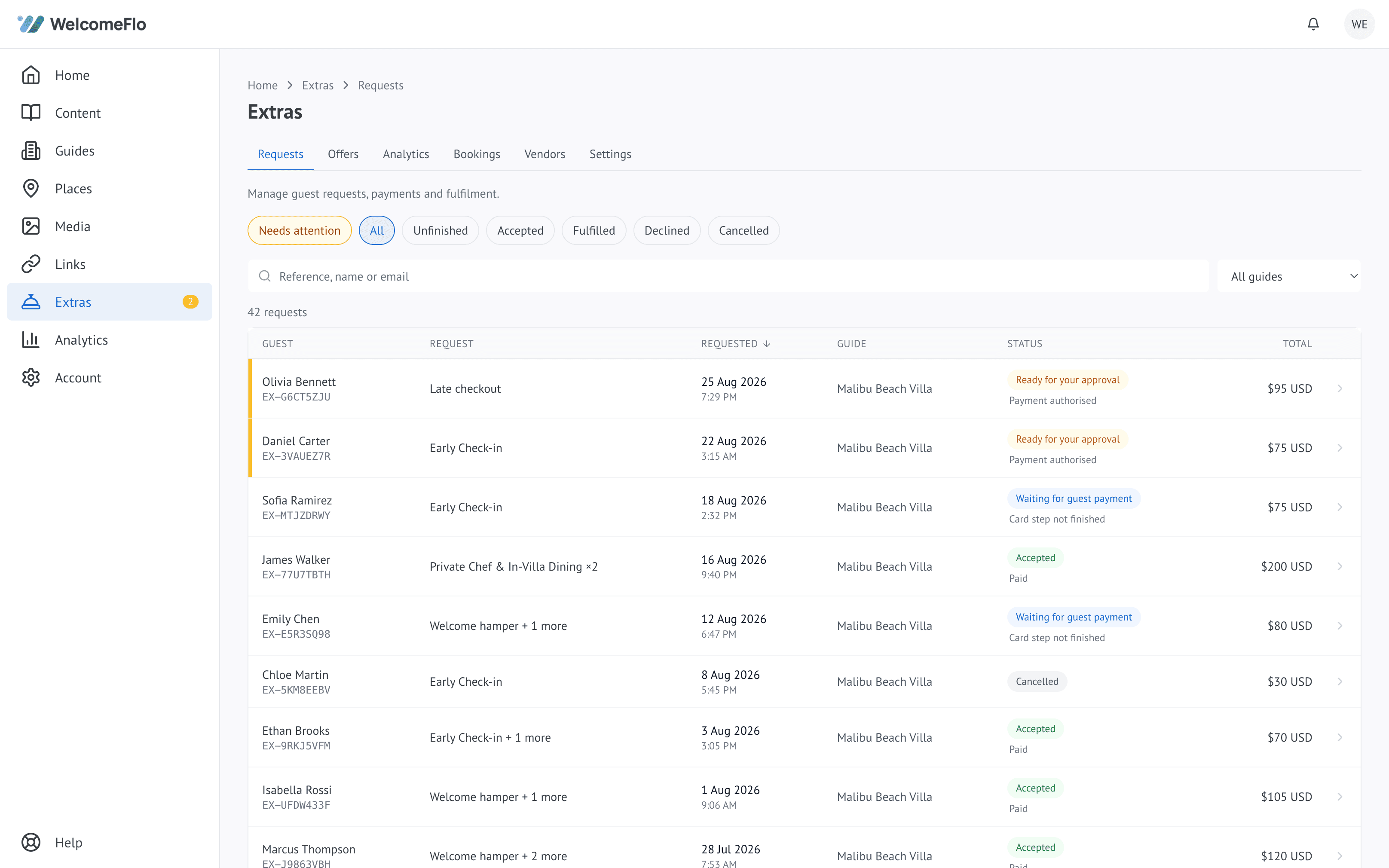
Sharing
No direct platform integration required — the guide is one link that works anywhere you can paste a link.
Copy one link that opens in any browser.
Send the guide directly to a guest from the dashboard.
Download a QR code guests can scan.
Print a guide sign or Wi-Fi sign.
Export the guide, or just the Stay section, as a PDF — available on Pro and Business.
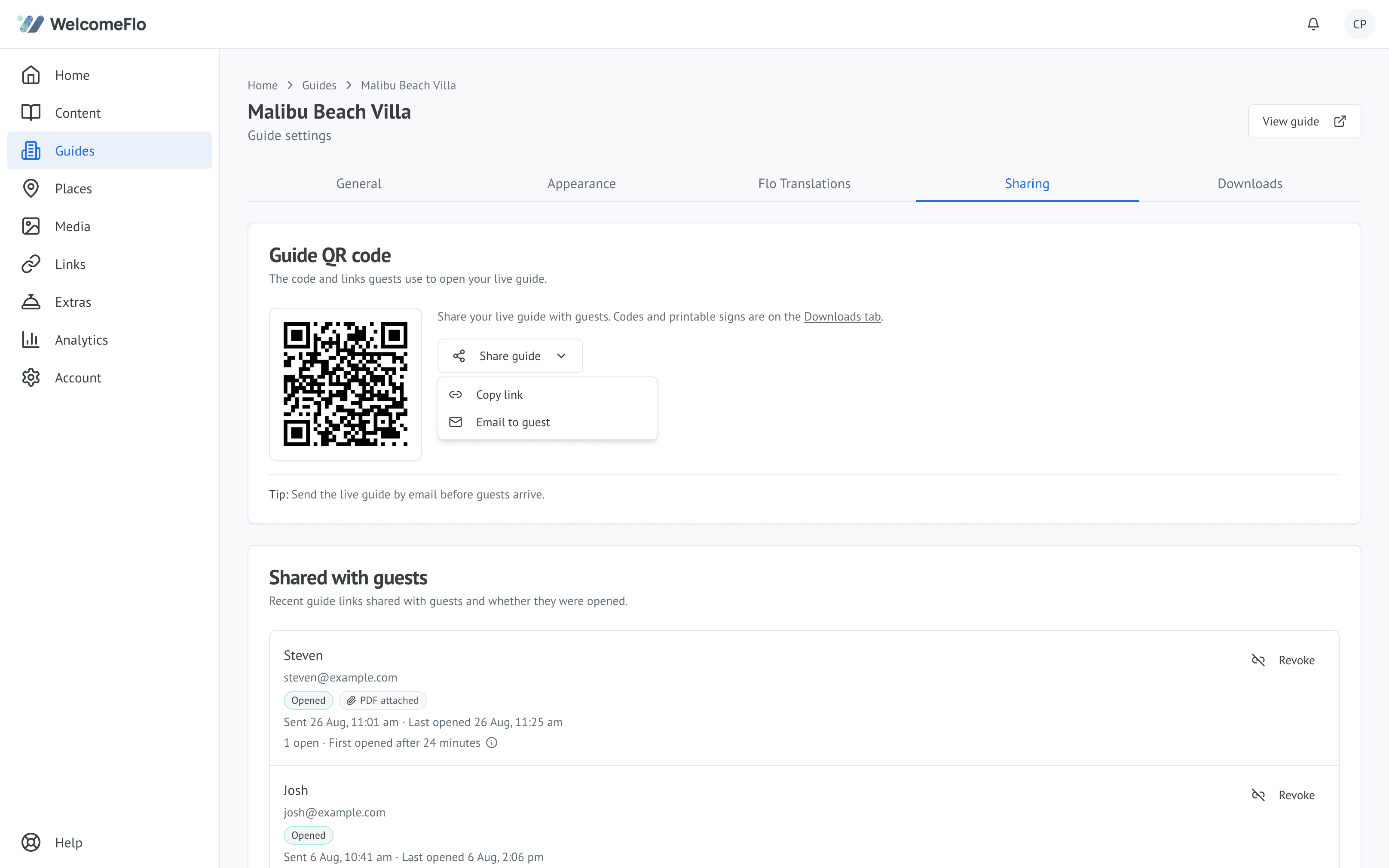
Analytics
Understand how the guide gets used during a real stay, not just how many times it was opened.
Understand engagement
See what guests actually use.
Find unanswered questions
See what guests search for.
Improve over time
Use real behaviour to refine the guide.
Multiple properties
Reuse common information across your portfolio while keeping property-specific details separate.
PMS integrations
Connect reservations through Hostaway and Guesty.
Team accounts
Give teammates the right level of access.
Create it from a template, listing or existing guide and share it with guests today.
Free forever for one guide · No credit card required
Explore live demo