
Translate your guide with Flo Translations
Let guests read your guide in their own language. Set your guide's source language and choose which languages guests can switch to.
Updated
Flo Translations lets a guest switch your guide into their own language, without you writing a second copy of anything. It is available on Pro and Business.
Turning it on
Open a guide's settings and go to the Flo Translations tab. Confirm the language you wrote the guide in (its source language), then choose which languages you want guests to be able to switch to.
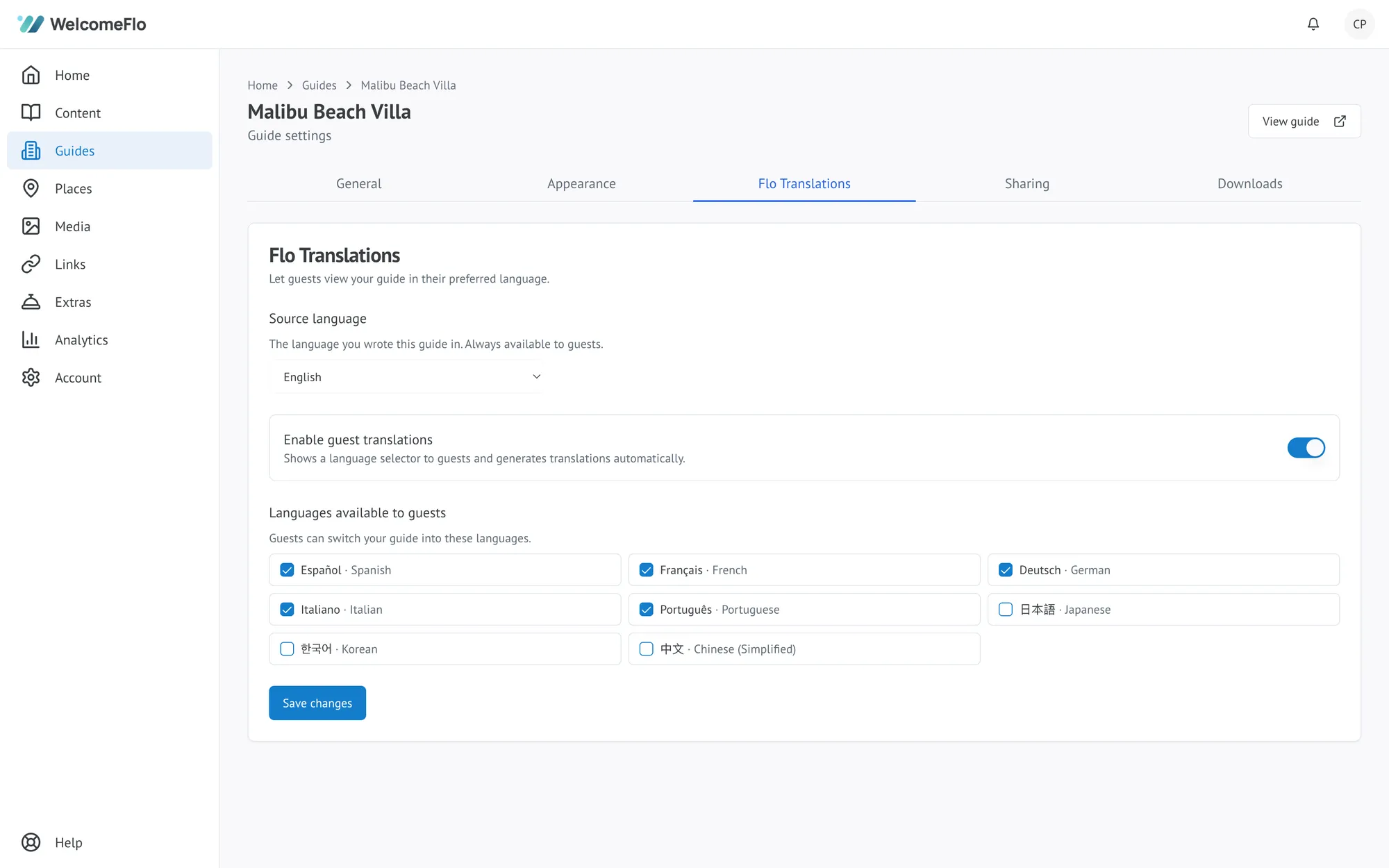
Choose from the supported guest languages, including Arabic and Hindi, and enable as many as your guests need for a single guide — there's no limit on Pro or Business. Most hosts enable a handful of the languages their guests actually speak rather than the full list, so the switcher stays quick to use.
What guests see
A language switcher appears in the guide. When a guest picks a language, the guide's categories, subcategories, sections, FAQs and Extras descriptions are shown in that language.
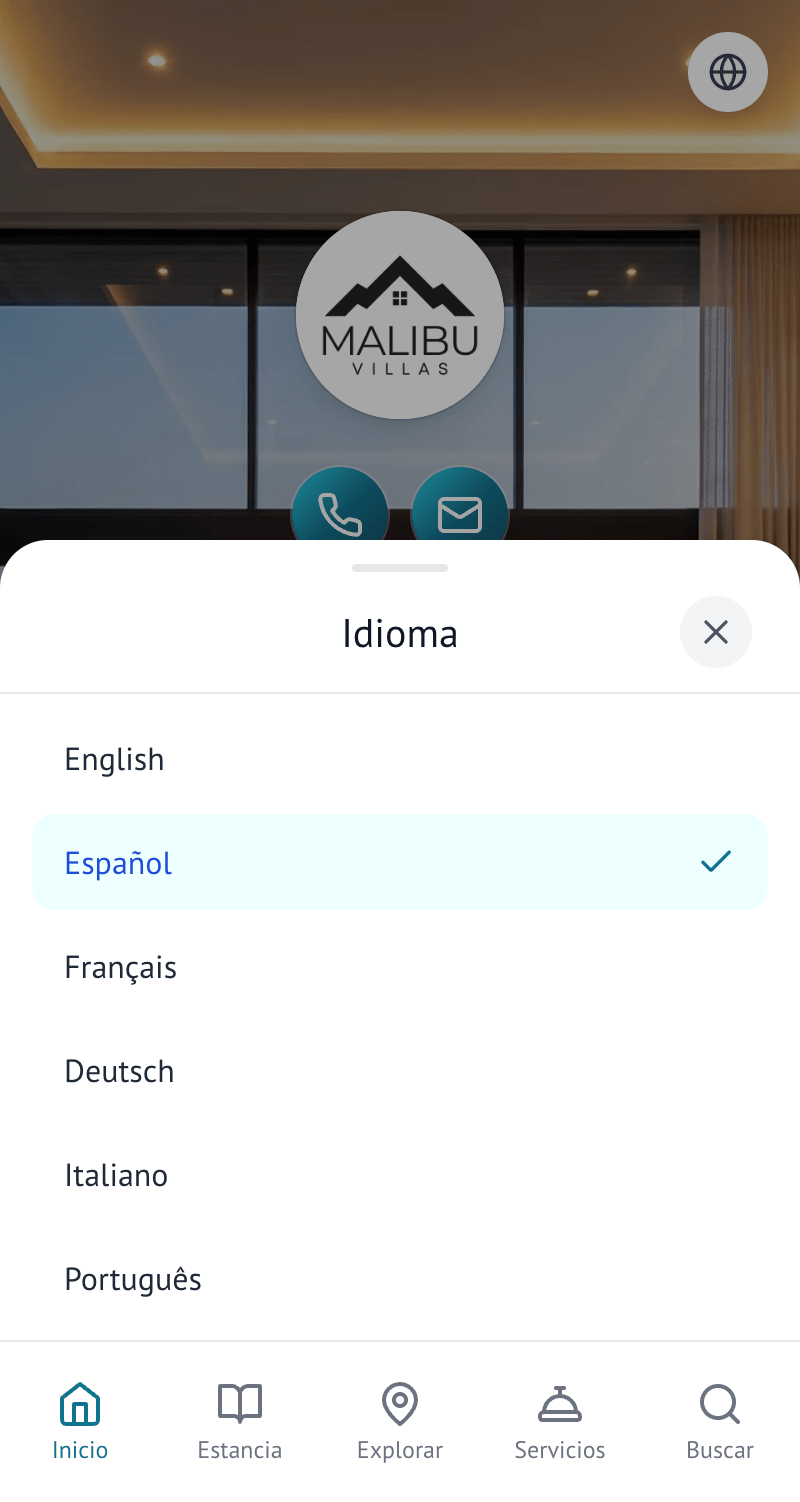
Anything that is a fact rather than prose — your Wi-Fi password, phone number, prices, coordinates and the exact place names and photos pulled from Google — stays as you wrote it, since translating those would risk changing them.
Keeping translations current
When you edit a section, its translations are refreshed automatically the next time a guest reads it in that language — you never have to manually re-translate anything after an edit.
What to expect
Flo Translations is built for everyday guest information, and reads naturally in every supported language. As with any automated translation, a native speaker may occasionally phrase something differently — if you notice a translation that reads oddly, editing the English (or your guide's source language) version and letting it retranslate is the way to fix it.
