
Import a guide with Flo Importer
Turn an existing PDF or Word document, or an Airbnb or Booking.com listing, into a draft guide you can review and edit.
Updated
Flo Importer reads content you already have and drafts a structured WelcomeFlo guide from it, so you are editing rather than starting from a blank page. It is available on every plan, including Free.
Ways to import
From a document. Upload a PDF or Word (DOCX) file — an existing welcome pack, house manual or house rules document. Flo Importer reads the text and splits it into categories, subcategories and sections.
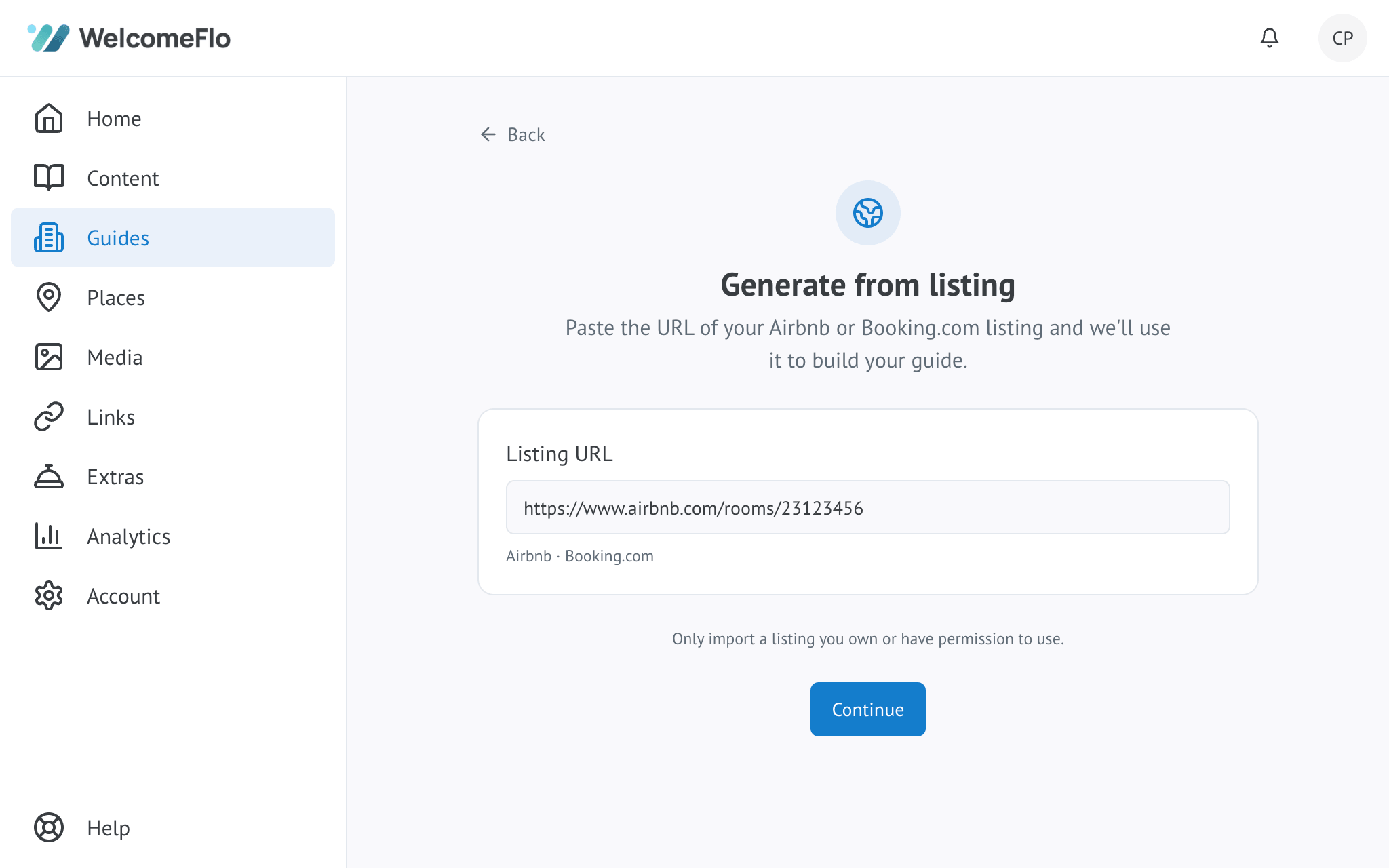
From a listing. Paste an Airbnb or Booking.com listing URL. Flo Importer reads the public listing description and photos and builds a starting guide from them. No other listing sites are currently supported.
Choosing how your content is structured
When importing a document, you choose how it is structured:
- Organise with WelcomeFlo — your content is sorted into WelcomeFlo's own category structure, which works well if your original document was not clearly organised.
- Keep my existing structure — your document's own headings and sections are preserved as-is, just converted into an editable guide.
Reviewing what was imported
After importing, you land on a review screen before anything is created. It shows how many sections were imported, how many images were found, and flags anything that needs a look — content that could not be matched with confidence, or details that need confirming. Nothing is added to your guide as fact until you have had the chance to check it.
After the import
Once you create the guide from the review screen, it behaves exactly like any other guide: open it in the editor, correct anything Flo Importer got wrong, delete anything that does not apply, and add whatever was missing. An imported guide starts inactive, so you can finish reviewing it before anyone can see it.
If you manage several properties, an import can also become the starting point for a new content library — see Content libraries explained.
What Flo Importer does not do
It never invents information that was not in the source document or listing. Anything it cannot confidently place is left for you to add or fill in, rather than guessed at.
