
Manage guest Extras requests
Accept, decline or propose different terms for a guest's Extras request, and understand what each response means.
Updated
When an Extra needs your approval, a guest's request lands in your Extras inbox waiting for a response.
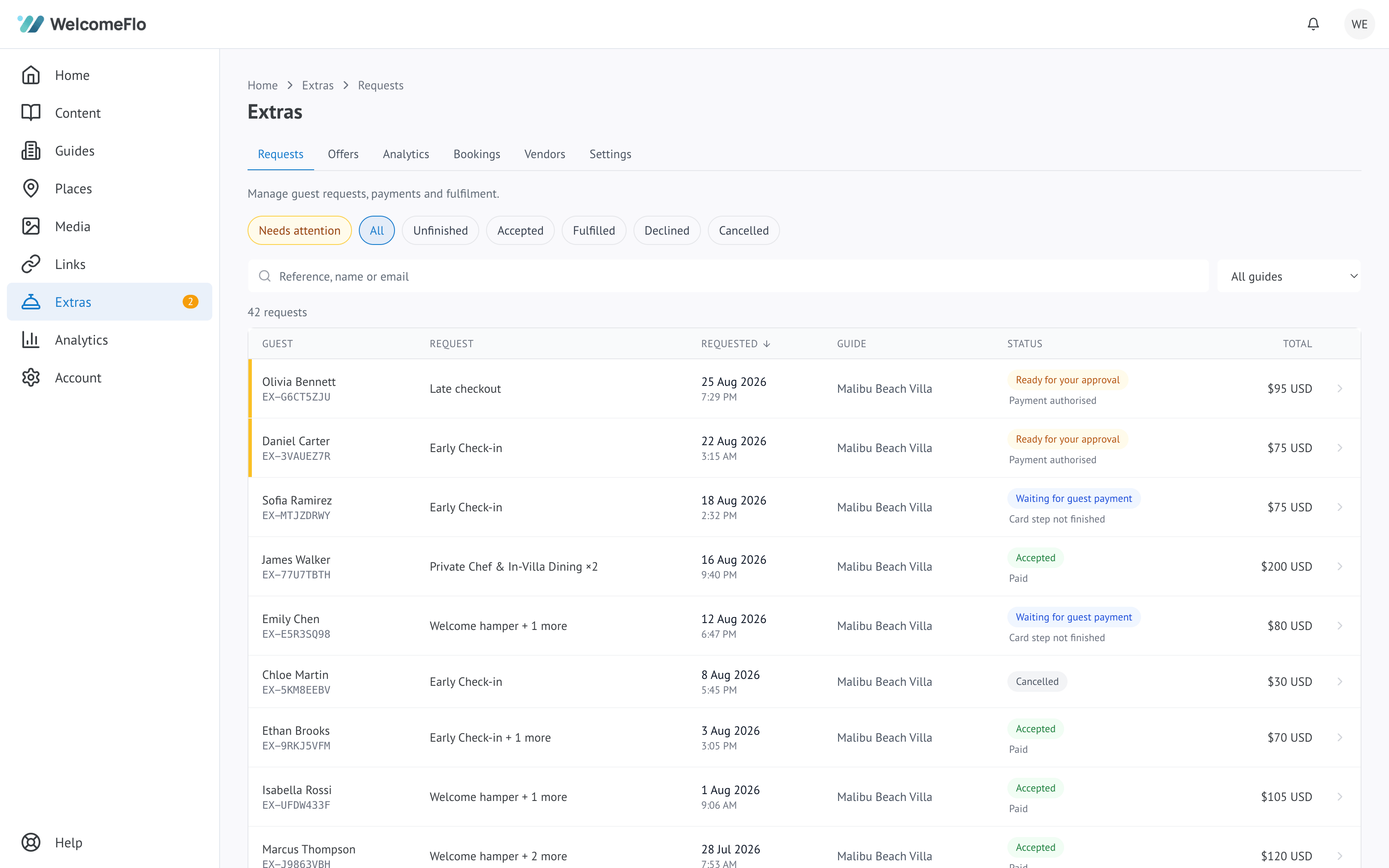
Responding to a request
Open the request and choose how to respond:
- Accept — confirms it as requested
- Decline — turns it down; you can reopen a declined request later if things change
- Propose different terms — for example, a different time for an airport transfer. The guest sees your proposal and has to agree to it before it is confirmed; it never becomes accepted just because you sent a counter-offer
For an offer priced as "price on request," accepting means sending the guest a quote rather than an automatic price — they can then pay it or decline.
What happens after you respond
- An accepted request moves toward being scheduled and, eventually, fulfilled once the service has been delivered
- A declined request is closed, unless you reopen it
- If a guest never responds to a proposal or a quote in time, it expires automatically
Notifications
You are notified when a new request comes in, and guests are notified as their request moves — accepted, declined, or asked to confirm a proposal. Requests that need a same-day answer, like an early check-in for that day, are flagged so they do not get missed among others.
Cancelling or unwinding a request
If something falls through after you have accepted a request, you can cancel it. What happens to any payment already taken depends on the guest's cancellation terms for that offer — see What guests see: requesting an Extra.
