
What guests see: requesting an Extra
How a guest browses, requests and pays for an Extra from your guide, and what happens if they need to cancel.
Updated
Guests browse and request Extras directly from your guide's Extras tab — no account or app required.
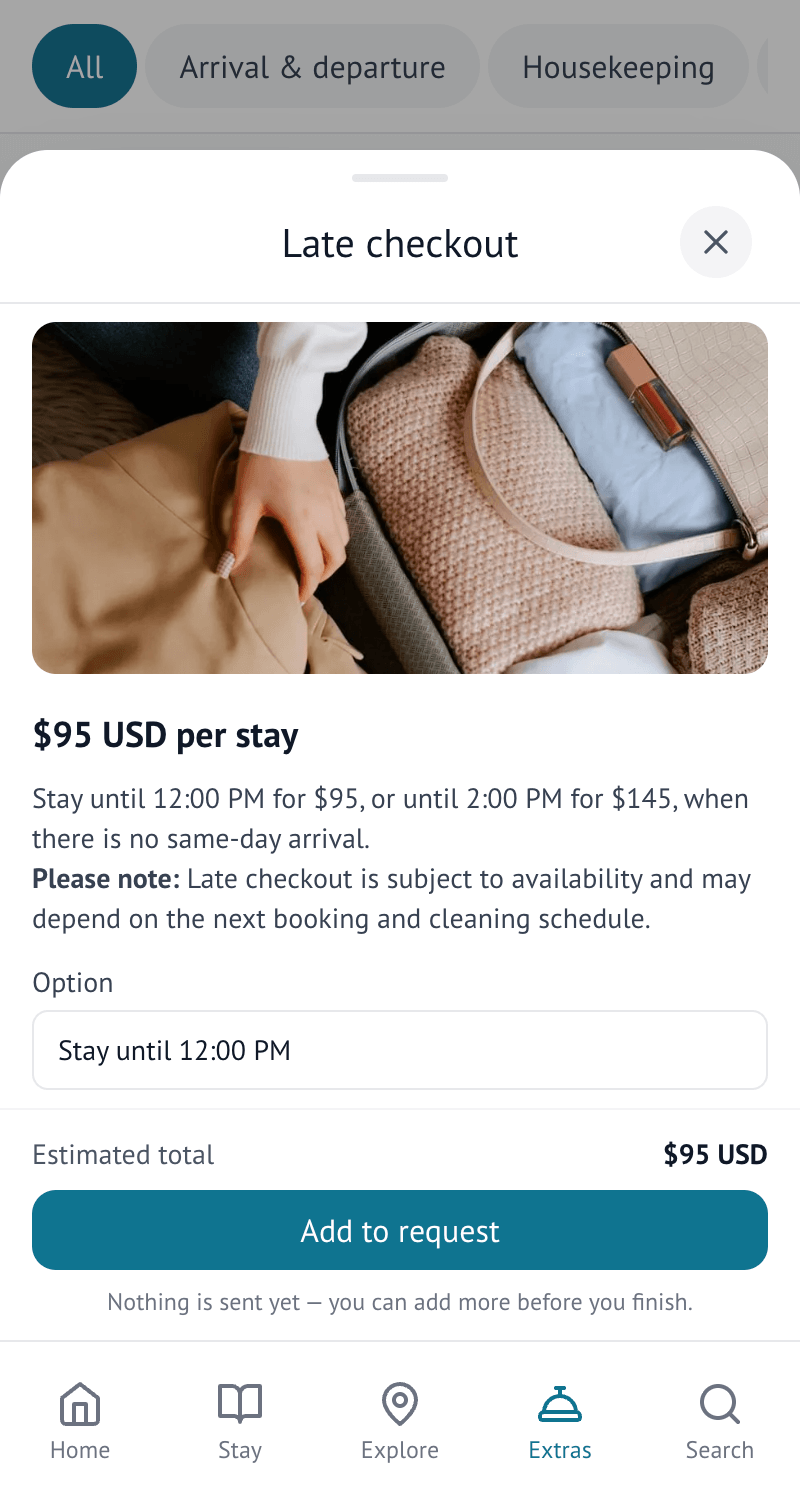
Browsing and requesting
A guest opens the Extras tab, sees what is on offer with its description and price, and taps to request it. If the offer needs a date, time or quantity, they are asked for it as part of the request.
What happens next
What a guest sees next depends on how you set the offer up:
- Confirmed instantly — the request is accepted straight away, with payment taken immediately if the offer is paid
- Waiting for you — the guest sees the request as pending until you accept, decline, or come back with different terms for them to agree to
- A quote — for a "price on request" offer, the guest is told you'll be in touch with a price, then can pay it or arrange payment with you once it arrives
Guests get a notification as their request moves — accepted, declined, or asking them to confirm a proposed change.
Cancelling a request
Whether a guest can cancel it themselves, and whether they get a refund, depends on the cancellation terms you set for that offer. Some offers allow guests to cancel up to a set number of hours before the service; others ask the guest to contact you directly to cancel.
