
About PMS integrations
What connecting Hostaway or Guesty does, what it costs, who can manage it, and how reservations, guides and guest links fit together.
Updated
WelcomeFlo connects to Hostaway and Guesty so your reservations sync in automatically and every guest gets a link to the right guide, without you sending it by hand.
What connecting actually does
Once you connect a provider, WelcomeFlo:
- Pulls in your properties as a list you map to your WelcomeFlo guides (one property, one guide).
- Syncs reservations for the properties you turn syncing on for — guest name, contact details (when your provider shares them), arrival and departure dates, check-in/check-out times and booking source.
- Creates a personalised, tracked link to the right guide for each confirmed reservation, and either writes that link into a field on the reservation in your PMS (so your own automated messages can include it) or emails it to the guest directly — your choice, per connection. See About Guest Communications for what happens from there.
WelcomeFlo never sends messages through Hostaway or Guesty on your behalf, and never edits your PMS's own message templates or automations — it only writes the guide link into a field so your templates can reference it, if you choose that delivery option.
Which plan you need
PMS integrations are available on Pro and Business — not Free. Each plan allows a number of active connections at once:
| Plan | Active PMS connections |
|---|---|
| Free | None |
| Pro | 1 |
| Business | 5 |
A connection counts as active whether it's healthy or showing "Needs attention" — only a disconnected one frees up the slot. If you're at your limit, disconnect one provider before connecting another, or upgrade.
Who can manage it
Connecting, disconnecting, testing a connection, mapping properties and changing delivery settings are all restricted to the account Owner and Admins. Editors and Viewers with access to a mapped guide can still see and act on that guide's reservations day to day — see Team member roles and permissions explained.
Your two providers, side by side
Both Hostaway and Guesty work the same way in WelcomeFlo — connect, map properties, sync reservations, choose how guides get delivered — and the setup pages look identical apart from which credentials each one asks for.
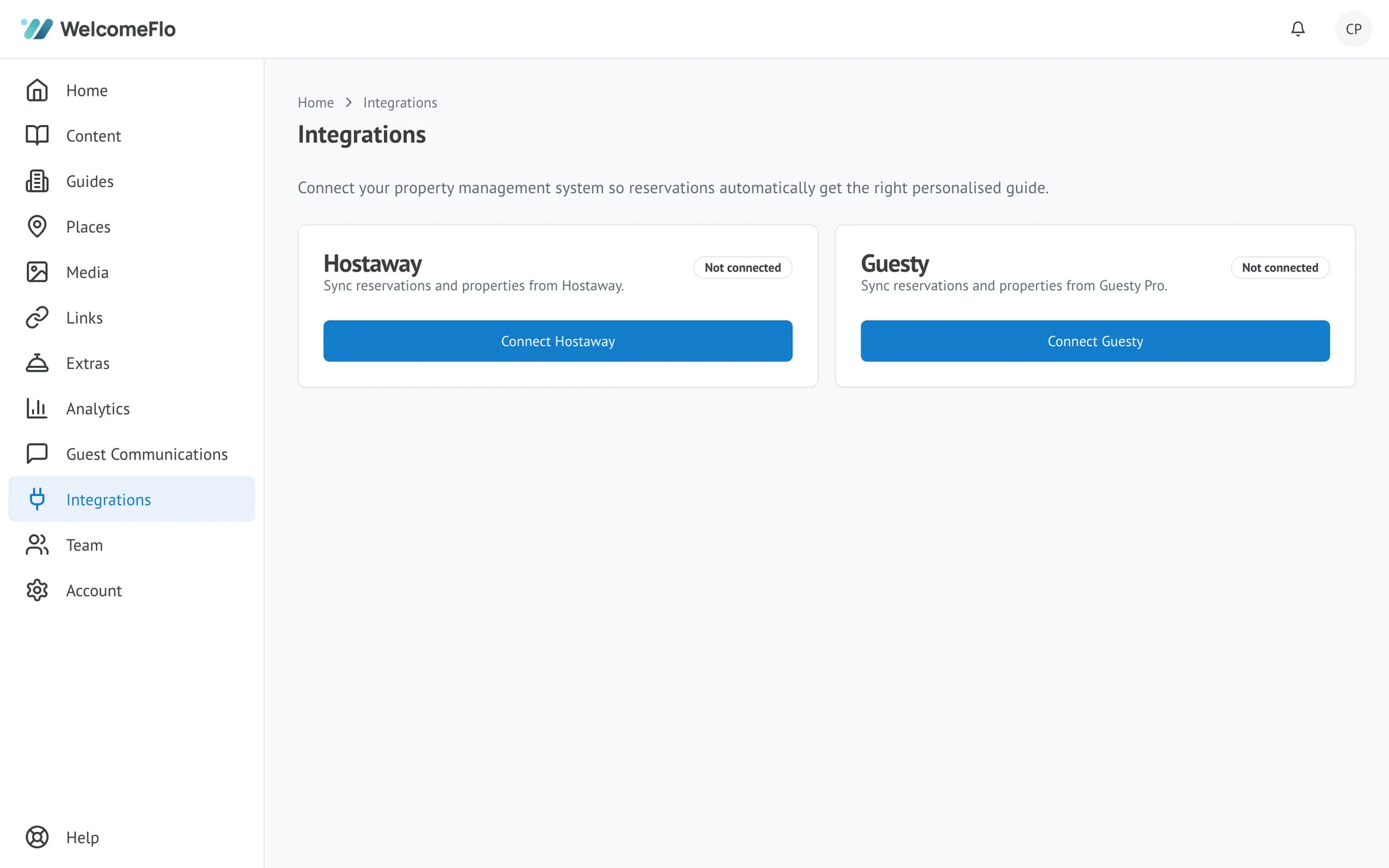
- Connect Hostaway to WelcomeFlo
- Connect Guesty to WelcomeFlo — WelcomeFlo connects to Guesty Pro's Open API; the simpler Guesty for Hosts / Guesty Lite product is not supported.
You can connect both at once (each counts separately against your plan's connection limit), which is useful if different properties in your portfolio sit on different platforms.
Security
Your Hostaway and Guesty credentials are encrypted and are never shown again after you save them, in the dashboard or anywhere else.
