
Format text in the content editor
Use headings, lists, bold text and steps so guests can scan a section instead of reading every word.
Updated
The content editor supports the formatting that helps on a small screen, and little that does not.
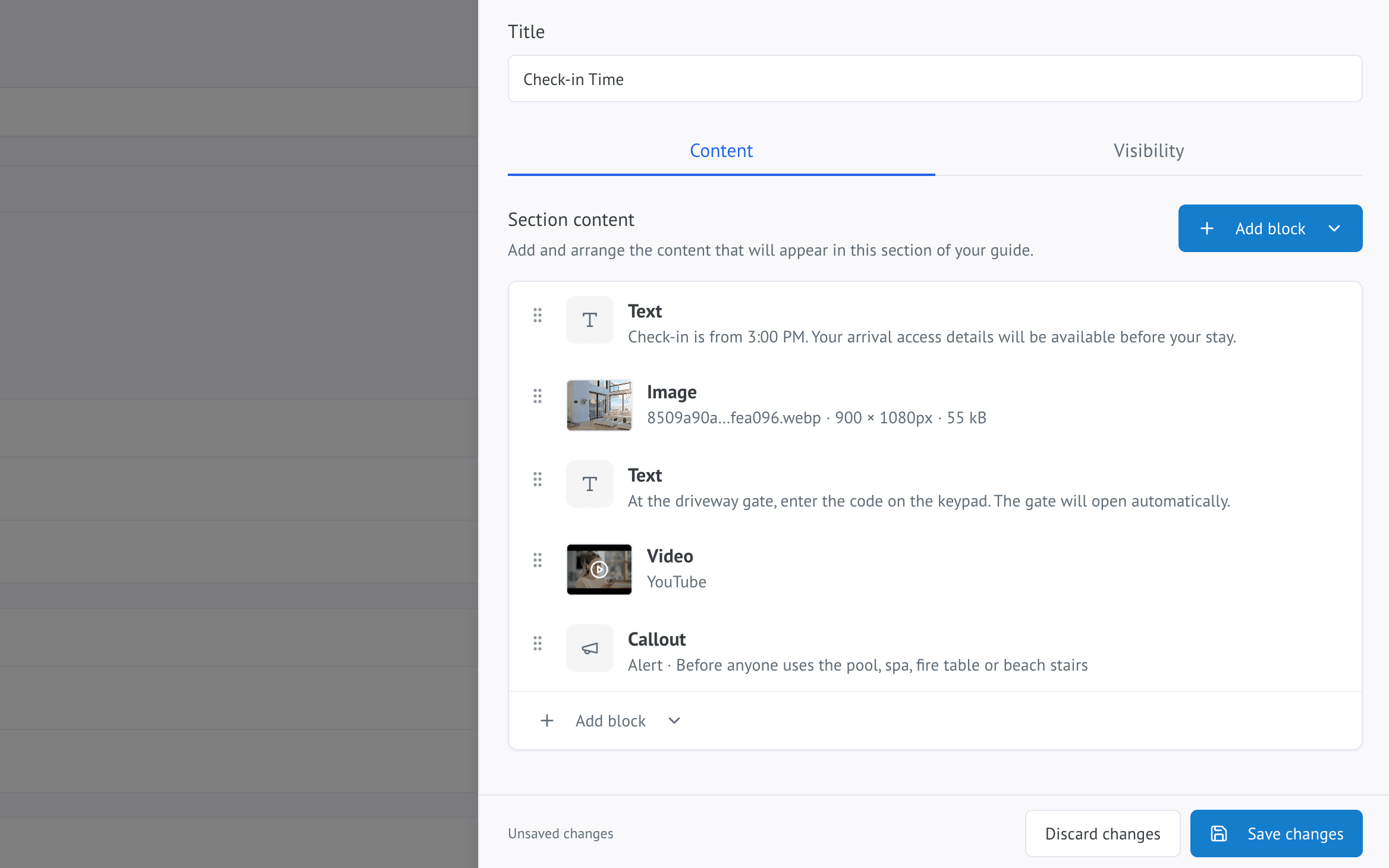
What to use
- Bold for the one thing in a paragraph that matters most, such as a password or a time
- Bulleted lists for things with no particular order
- Numbered lists for steps that must happen in sequence
- Headings to break a longer section into parts a guest can jump between
Numbered steps beat paragraphs
Anything a guest performs — operating an appliance, checking out, getting in — should be numbered steps rather than prose.
A paragraph describing four actions asks the guest to work out where they are in it. A numbered list does not.
Keep paragraphs short
Two or three sentences. What looks like a reasonable paragraph on a laptop becomes a wall of text on a phone.
If a section is getting long, that usually means it is two sections.
Use bold sparingly
If everything is bold, nothing is. One or two emphasised things per section is plenty.
Write in the second person
"Turn the dial to 3" reads better than "the dial should be turned to 3". It is shorter, clearer, and sounds like a person rather than a manual.
