
Add a cover image and host logo
Add the photograph guests see first, and a logo if you have one, so your guide is recognisably your property.
Updated
The cover image is the first thing a guest sees. It should confirm they are in the right place.
Choosing a cover image
Use a photograph of the property itself, ideally the view a guest sees on arrival or the room they will remember. Avoid stock photography — guests can tell, and it makes a guide feel generic.
Landscape photographs work best, since the image is displayed wide across the top of the guide.
Adding it
Upload the image in the guide's appearance settings. Images you upload are kept in your media library, so the same photograph can be reused across guides without uploading it twice.
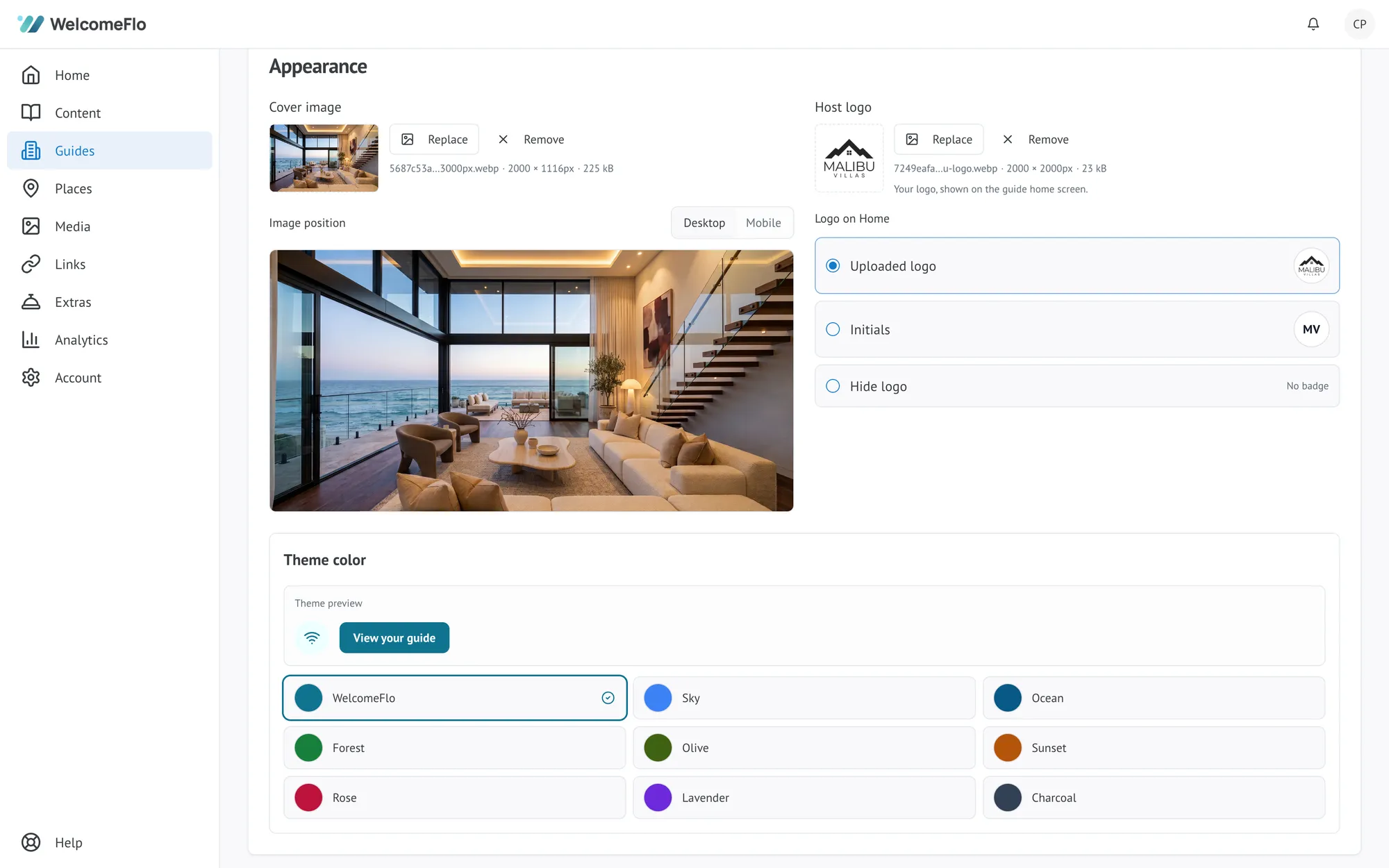
Adding a logo
If you run a hosting business, adding your logo puts it at the top of the guide. A simple logo on a transparent background works best, since it sits over the cover image.
If you host under your own name, a logo is not necessary. A good photograph does more.
Image quality
Upload the largest version you have and let WelcomeFlo resize it. Images are optimised automatically for the device opening the guide, so a large original will not slow the guide down, but a small one cannot be made sharper.
