Digital Airbnb Welcome Book: Complete Guide for Hosts
Everything hosts need to know about digital Airbnb welcome books: benefits over print, format options, what to include, delivery via link and QR, and setup steps.
 By Emily Parker7 min read
The welcome book's job hasn't changed in decades: answer guest questions before they become messages. What's changed is the delivery. The binder on the coffee table answered questions only for guests standing next to it; a digital welcome book answers them from the booking confirmation onwards, in the guest's pocket, in a taxi, at a restaurant deciding between mains — wherever the question actually happens.
This is the complete guide to going digital: what a digital welcome book really is, why the format wins, the options for building one, and the setup that takes an afternoon.
What counts as a digital welcome book
Loosely, anything guests read on a screen — but the formats differ enormously in practice:
The PDF is the binder photographed: emailed or attached to messages, fixed at the moment of export, unsearchable in practice, and awkward on phones (pinch-zooming an A4 layout on a 6-inch screen). It digitises the paper without gaining the medium's powers.
The notes-app page or website (Notion, Google Docs, a simple site) gains live editing and linkability — real progress — but stays a document: no widgets, manual formatting, recommendations that age silently, and a reading experience that depends on your design skills.
The purpose-built digital guide is the format built for the job: a mobile-first web page guests open from a link or QR code, with structured sections, tap-to-copy Wi-Fi, live local recommendations, search, and your branding. This is what platforms like WelcomeFlo provide, and it's what this guide means by "digital welcome book" — the version that actually outperforms paper rather than merely replacing it.
Why digital wins
Availability is the headline. The most valuable welcome book moments happen away from the property: "how do we get in?" at the airport, "where should we eat?" on a walk, "what was the parking rule?" in the car. A book that lives in the guest's pocket serves all of them; a binder serves none. Sharing the link at booking means guests browse the area and plan around your recommendations for weeks before arrival — pre-answered questions you never see.
Currency is the quiet superpower. Paper is accurate as of its printing; digital is accurate as of your last edit. When the bin day changes or the café shuts, one edit updates every guest's copy instantly — including guests mid-stay. Purpose-built guides go further: recommendations backed by live Google data refresh their own photos, ratings and opening hours, so the local section maintains itself.
Findability changes usage. Search turns a forty-topic book into a ten-second answer machine — "bins", tap, done. Widgets compress the top questions to single interactions: Wi-Fi copies in one tap, weather shows live for your exact address, check-in and checkout times sit as cards. Guests use digital books more because each use costs less.
Navigation matters more than most hosts assume. A book that scrolls forever, however well organised, still asks a guest to hold their place while they hunt. A guide built like a well-designed app — a fixed row of icon tabs (Home, Stay, Explore, Search), content opening in a sheet that slides over the current screen rather than navigating away — means a guest checking the Wi-Fi from the home screen never loses their spot, and dismissing what they opened puts them straight back where they were. That's not a cosmetic choice; it's the difference between a document with information in it and something that feels as fast to use as the apps a guest already reaches for all day.
Every guest gets a copy. The travel party's dinner-decider can hold the restaurant list while the booker holds the map. Binders are single-user; links are multiplayer.
And the operational wins: no reprinting, no laminating, no "the previous guest's kid drew on page four", and — for multi-property hosts — shared content across every property's book with single-edit updates (WelcomeFlo's Content Library makes this structural).
What about print's advantages?
Two are real. Physical presence — a book on the table announces itself, where a link must be delivered — is genuinely valuable, and cheaply recovered: print your guide's QR code, frame it by the entrance, and the coffee table keeps its talisman while the phone does the work. Device-free browsing suits a minority of guests; a one-page printed essentials card (Wi-Fi, times, emergency numbers) covers their critical needs. The full printed-vs-digital comparison weighs everything, but the practical answer most hosts reach is digital-first with printed touchpoints, not either-or.
What goes inside
Content-wise, a digital welcome book carries the same seven sections as any good welcome book — welcome note, arrival, essentials, house manual, rules, local guide, checkout (the complete checklist) — but the format upgrades several sections structurally. Arrival steps carry photo sequences guests swipe at the door. The Wi-Fi section becomes a widget. The local guide becomes live listings with directions one tap away. House manual entries embed video where showing beats telling (the log burner, the tricky lock). And everything becomes searchable, which quietly rescues every section you worried was "too buried".
Delivering it: links, QR codes and timing
A digital book is only as good as its delivery, and the system is simple. The link goes into your message sequence — booking confirmation, pre-arrival, check-in day, checkout eve — so guests are never more than one recent message from it. The QR code gets printed and framed at the entrance and on the fridge, catching the in-property moments. Scheduled messages automate the whole cadence. Because the link is stable, this is set-once infrastructure: every edit ships to the same URL forever, and printed QR codes never go stale.
Setting yours up: the afternoon plan
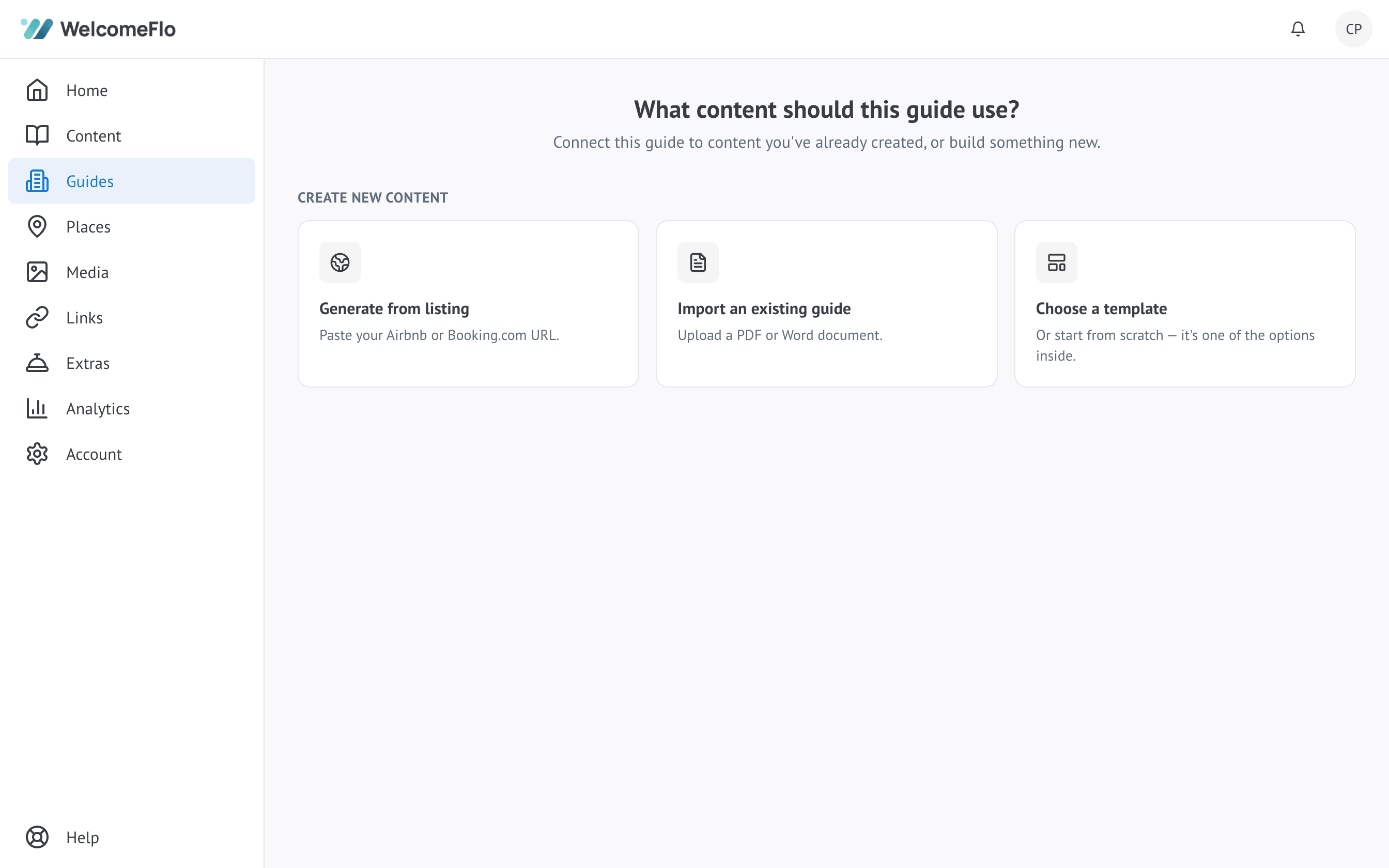
- Start from a template, not a blank page. Create a free WelcomeFlo guide — the seven-section structure arrives pre-built with prompts for each.
- Move your content in. Paste from your existing book, listing and saved replies. Add arrival photos (walk the entrance with your phone — ten minutes).
- Add your places by name. Type each restaurant or attraction, pick it from Google, add your one-line personal note; the guide supplies photos, hours and directions. WelcomeFlo's Flo Places can also suggest nearby spots worth considering — you still choose what makes the cut.
- Brand it. Cover photo, your logo, your colours — the book should look like your property, not a template.
- Test as a guest. Open the link on your phone: Wi-Fi in one tap? Arrival followable? Search working? Fix, then ship.
- Wire the delivery. Link into your message templates, QR code printed for the property.
Most hosts complete all six the same afternoon they start — and the maintenance burden afterwards rounds to minutes a month.
The migration path from your current setup
Whatever you run today, the route to a proper digital book is shorter than expected.
From a binder: photograph nothing, retype little — most binder content exists digitally somewhere (old documents, your listing, saved replies). Assemble those sources, paste into the guide's sections, and use the binder itself only as a completeness checklist before it retires to the loft. Typical time: one afternoon.
From a PDF or Word document: the fastest migration, and you don't need to retype it. WelcomeFlo's Flo Importer reads an uploaded PDF or DOCX and drafts a structured guide from it — sections split out, content pre-sorted — for you to review and edit rather than paste line by line. Typical time: under an hour.
From a Notion page or website: your content is already web-shaped; what you gain is the purpose-built layer — widgets, live listings, search, branding without CSS, and updates that don't depend on your design energy. Copy across section by section. Typical time: ninety minutes.
From nothing: honestly the easiest starting point, because there's no legacy structure to fight. Start from a template with prompts for every section, or import directly from a supported Airbnb or Booking.com listing, and let the afternoon plan above do the rest.
In every case the same advice applies: publish at 80% and let real guest questions direct the remaining 20%. Migration perfectionism is just the blank page wearing a new disguise.
The bottom line
Digital doesn't just modernise the welcome book — it fixes the two failures paper could never solve: being there when questions happen, and staying true as things change. The format's advantages compound with a purpose-built guide, and the entry price is an afternoon and nothing at all: create your free digital welcome book and see for yourself.
Create your digital welcome book
Build a beautiful mobile guest guide with WelcomeFlo.