Vacation Rental Automation: 15 Tasks Hosts Can Put on Autopilot
Fifteen vacation rental tasks you can automate today — from guest messages and check-in codes to cleaner scheduling, review requests and guide delivery.
 By Daniel Foster6 min read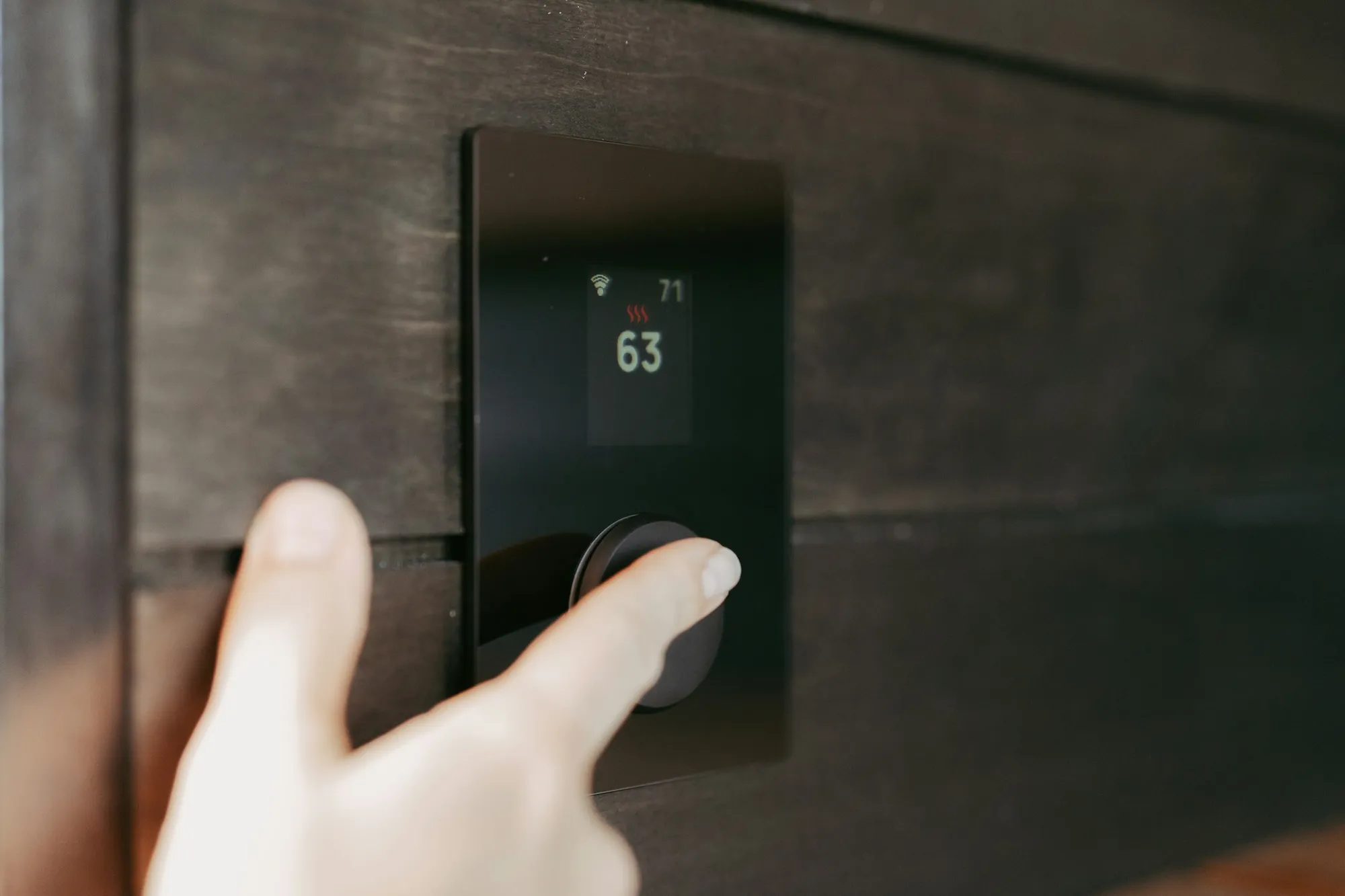
Ask a tired host what fills their week and the answer is never one big thing — it's fifteen small ones, each trivial, each recurring, together a part-time job. The good news hiding in that answer: recurring is exactly what automation eats. This article walks the fifteen, from the five-minute wins to the infrastructure projects, with a plain note on each about what it takes to set up and what it hands back.
Tally your own week against the list as you read — most hosts find they're doing at least ten of these manually, and that the first seven can be off their plate within a fortnight.
Communication: the first five
1. The booking confirmation. The same warm message, every booking, within the hour — the definitive scheduling candidate. Set it once with the confirmation template and it never misses again, including the 11pm bookings you used to answer at breakfast.
2. The pre-arrival message and ETA question. Three days out, automatically — and the ETA answer drives half your operational week (cleaner timing, arrival readiness). Get the wording warm and specific once; the automation means it never goes out late again.
3. Check-in instructions. The morning-of message with the code bold on its own line, paired with photographed steps in the guide. Once automated, the "how do I get in?" call rate approaches zero — the single most felt improvement on this list.
4. The checkout message. Evening before, time first, three tasks, warmth throughout — automated properly it ends the era of guests "not knowing" checkout time, and its deliberate restraint (never a long chore list) protects your reviews.
5. Post-stay thanks and the review ask. The morning-after message, scheduled; your review of the guest, habitual. The automated review sequence reliably lifts review rates — mostly by never forgetting, which is automation's whole superpower.
Information: the quiet three
6. Answering the forty recurring questions. Wi-Fi, parking, hob, heating, "anything good nearby?" — the questions that were most of your inbox stop arriving when a searchable digital guide answers them first. This is automation without a single scheduled send: the guest self-serves at 11pm and experiences it as excellent service. Promoting every repeat question into the guide the same day is what makes it systematic.
7. Guide delivery. The guide only works if it reaches guests early and often — so automate the delivery: linked in every scheduled message from confirmation onward, QR-framed at the property. Zero marginal effort per guest, forever.
8. Local recommendations. WelcomeFlo's Explore tab keeps place data live — photos, opening hours, directions pulled automatically — so your restaurant list stops rotting the way printed lists do. Set up once in a free guide; current forever.
Access and property: the hardware four
9. Door codes. A smart lock generates per-booking codes, activates at check-in and expires at checkout — no key chases, no code-reuse worries. Setup is an afternoon and a three-figure lock; the payoff is every future handover.
10. Heating and cooling. Smart thermostats on arrival/departure schedules: warm for the 4pm arrival, economical between stays. Guests notice arrival warmth; your bills notice the gaps.
11. Wi-Fi resilience. A smart plug on the router, remote-restartable — the two-minute fix for hosting's most reported "emergency", executed from your phone before the guest finishes typing the complaint.
12. Noise monitoring (decibel-only). Privacy-safe monitors alert you before the neighbour complains — automation as early warning, letting the friendly first message land while the party is still moveable. Disclose it in the listing per platform rules, always.
Operations: the coordination three
13. Cleaner scheduling. New booking → cleaner notified with dates, automatically (shared calendar at minimum, booking-triggered messages at best). The phone-tag that used to orbit every changeover disappears; the turnover checklist gives the notified cleaner a complete score to run.
14. Task checklists that run themselves. Not software — decision automation: the cleaning and turnover checklists mean nobody re-decides what "ready" means, and photo checkpoints replace inspection visits. The cheapest automation on this list and the one that scales teams.
15. Calendar synchronisation. Multi-platform hosts: channel-sync (via a channel manager or PMS) makes double-bookings structurally impossible instead of vigilance-dependent. Single-platform hosts get this free; the moment you list twice, it's the first paid tool that earns its fee.
What the fifteen add up to
Run the arithmetic on a typical single listing: the five communication tasks were perhaps three hours a week of typing and remembering; the recurring questions another two; coordination phone-tag one more. Automated, the same stay generates minutes of human work — the bracket personalisation, the exceptions, the warmth. That's not a lifestyle claim, it's a workload audit finding repeated across hosts: automation returns roughly 80% of routine hosting time, and — the part that surprises people — improves the guest experience while doing it, because messages arrive on time, answers arrive instantly, and nothing depends on your Tuesday being calm.
The fifteen also stage naturally: 1–8 are free or nearly and land in a fortnight; 9–12 are hardware decisions for when bookings justify them; 13–15 matter most as you scale toward multiple properties.
What didn't make the list (on purpose)
Four tasks stay human, permanently: responding to problems (speed matters, sincerity more), decisions with trade-offs (early check-ins, extensions), genuine occasions (automated champagne is an oxymoron), and reviewing guests (two careful minutes that protect every host after you). Automating these is how the classic mistakes happen.
Running your own audit: the two-week tally
The fifteen only become persuasive against your own numbers, so here's the audit that converts a sceptic in a fortnight. Keep a running note on your phone with three columns: task, minutes, felt like. Every hosting action for two weeks gets a line — the check-in message you typed, the Wi-Fi question you answered from a supermarket queue, the cleaner call about Thursday, the code you dug out of a thread for a guest at the door. No optimising during the tally; the point is the baseline.
Then sort the list against the fifteen. Most hosts find three clusters. The scheduled-work leak: identical messages typed repeatedly — pure items 1–5, automatable this week. The interruption tax: the questions and coordination pings — items 6–8 and 13, whose real cost the minutes column understates, because a two-minute answer at the wrong moment costs a half-hour of attention; the felt like column catches this ("annoying", "again", "while driving"). The genuinely human residue: the problem you solved, the judgement call, the warm exchange — the work that should remain, now visible as a surprisingly small share of the total.
The tally does two jobs: it sequences your fifteen by actual pain rather than generic advice, and it gives you the before-photo that makes the after-photo satisfying. Re-run it a month post-automation and the columns tell the story — the leak gone, the tax collapsed, the residue intact and finally getting your full attention.
The bottom line
Fifteen recurring tasks, most of them automatable free in a fortnight: five messages scheduled, three information rails built once, four hardware upgrades when scale asks, three coordination systems for the team. Start with the pair that powers everything — a free WelcomeFlo guide and its delivery — and let the rest of the list fall in the order your workload votes for.
Create your digital welcome book
Build a beautiful mobile guest guide with WelcomeFlo.