Airbnb Guest Book Ideas: Digital, Printed and Personalised Options
Guest book ideas for Airbnb hosts: digital guides, printed keepsakes, memory books guests write in, and personalised touches — with the setup for each option.
 By Emily Parker6 min read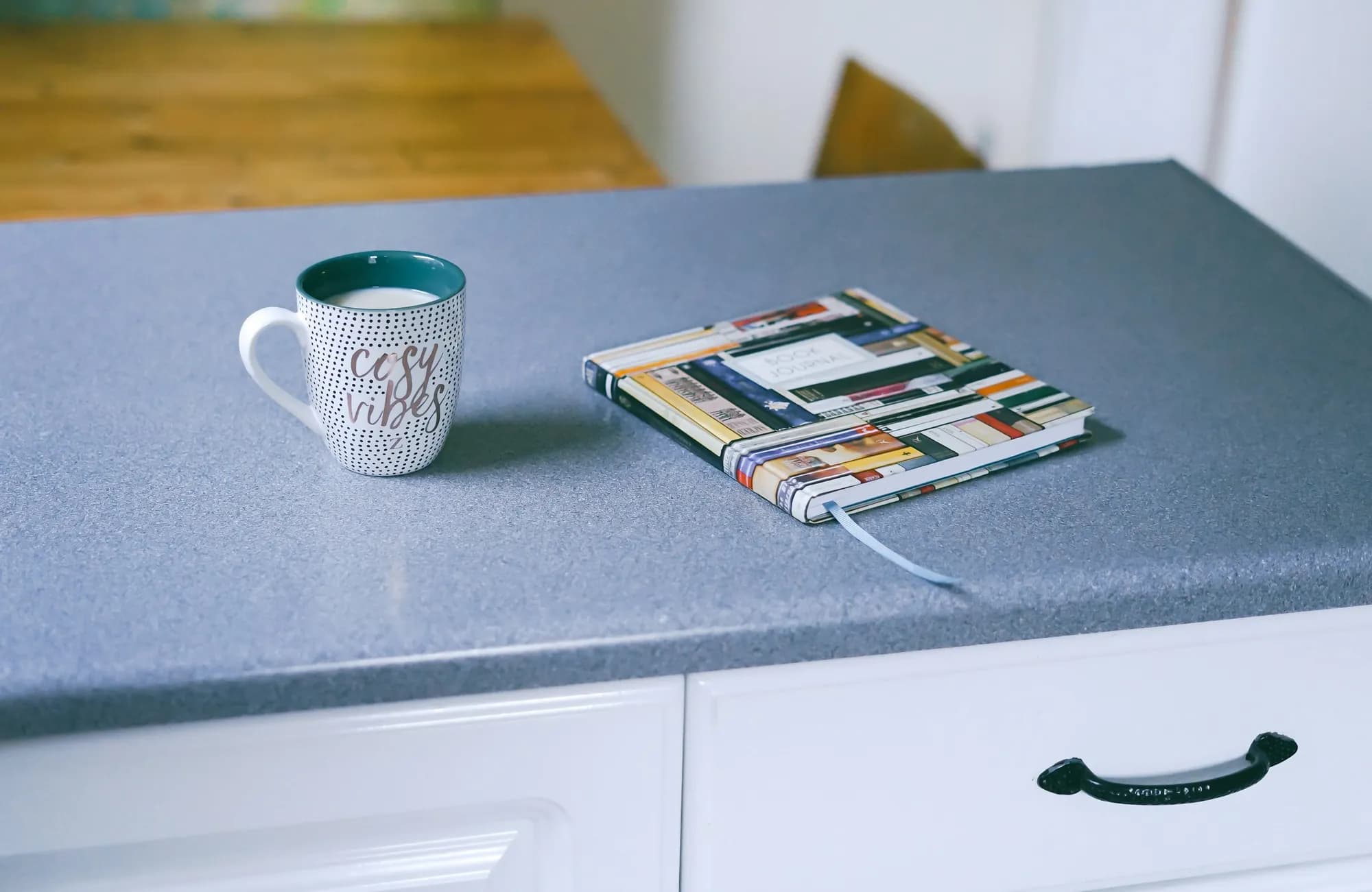
"Guest book" means two beautiful, different things in hosting. The first is the information book — the guide that answers questions about Wi-Fi, arrival, the house and the area. The second is the memory book — the blank pages where guests leave notes, sketches and recommendations for whoever comes next. Great properties often run both, and confusing them is how hosts end up with neither done well.
This idea collection covers the full landscape: digital and printed information books, memory books guests genuinely write in, and the personalised touches that make any of them feel like yours. Pick the combination that fits your property, and the setup notes for each will get you there.
Idea 1: The digital guest guide (the workhorse)
The information book, done as this decade does it: a mobile web page guests open from a link or QR code, with arrival photos, tap-to-copy Wi-Fi, a searchable house manual, live local recommendations and checkout details. It travels in the guest's pocket, updates instantly and reaches every guest through your booking messages.
Setup: an afternoon with a free WelcomeFlo guide, built from a template. Best for: every property, honestly; this is the option that measurably reduces guest questions, and the foundation the other ideas decorate.
Idea 2: The printed keepsake book (the coffee-table presence)
A beautifully printed, professionally bound book — property photography, the house story, the area's history — designed less as reference and more as atmosphere. It signals care the moment guests see it, and suits properties whose brand is the point: design-led cottages, heritage buildings, boutique stays.
Setup: photo-book services print hardcovers affordably; keep changeable facts (codes, hours, prices) out entirely so the book never dates, and let a QR code on the inside cover hand the practical load to your digital guide. Best for: properties selling atmosphere, hosts with good photography.
Idea 3: The memory book (the one guests write)
A quality blank book and a good pen, introduced with a single page in your handwriting: "Leave whatever you like — a note, a drawing, your best local find." Guests read every previous entry (it's irresistible) and add their own; within a year you own a property treasure no money could commission — proposals, kids' drawings, decade-spanning return visits, restaurant tips that outperform any algorithm.
Setup: buy a book that feels permanent (guests write better in beautiful objects), seed the first two entries yourself so the format is obvious, and photograph favourite pages occasionally as both backup and social content. Best for: every property with a table; there is no property type this fails at.
Idea 4: The local finds board
A memory-book variant with lower friction: a small pinboard or card box labelled "Your best find this stay?" where guests leave one-line recommendations. Skimmable in thirty seconds, contributable in ten, and the best entries graduate — with credit — into your digital guide's local section ("guest-recommended: the Tuesday market behind the church").
Setup: pinboard, cards, pen, one seeded example. Best for: properties with high guest turnover, hosts who want crowd-sourced intel feeding their local guidebook.
Idea 5: The kids' guest book
A separate small book "for junior guests": drawings of the property, reviews of the toy basket, important intelligence about which floorboard squeaks. Families remember properties that thought of their children, and the book becomes both entertainment on arrival day and the most charming artefact you own.
Setup: a robust blank book, crayons that live with it, a first page addressed to kids by name-blank ("Dear _____, this book belongs to visitors like you"). Best for: family-oriented listings — and it earns its place in the welcome book's kids' section too.
Idea 6: The personalised welcome page
Whichever book carries your information, a small personalisation layer transforms its reception: the guest's name on a chalkboard beside the printed book, or — digitally — a welcome message referencing their trip ("the anniversary dinner shortlist is marked in Explore"). Thirty seconds of effort, disproportionate warmth.
Setup: chalkboard or card for physical; for digital, one personalised line in your welcome message pointing into the guide. Best for: hosts competing on hospitality rather than price.
Idea 7: The seasonal insert
A single swappable page — "This month in [town]" — listing what's on, what's blooming, what the sea temperature honestly is. In print it's one sheet in a plastic sleeve; digitally it's a section updated monthly in minutes. Guests consistently mention it because it proves the book is alive, not archival.
Setup: calendar reminder, ten minutes monthly; digital hosts fold it into the update routine. Best for: event-rich locations and seasonal destinations.
Combining the ideas: three proven stacks
The essentials stack (most properties): digital guide + memory book + QR frame. Information handled flawlessly, memories accumulating, zero maintenance overlap — the digital guide carries every fact, the memory book carries every feeling.
The boutique stack: digital guide + printed keepsake + personalised welcome page. The keepsake sets the atmosphere, the guide does the work, the personal touch closes the loop. This is the stack whose photos end up in your listing.
The family stack: digital guide + memory book + kids' book + finds board. Maximum charm per pound; the finds board feeds the guide's local section a steady diet of tested recommendations.
Note what every stack shares: the digital guide as the information backbone. Decorative books date badly when asked to carry facts; the division of labour — digital for answers, physical for feelings — is what lets each format be excellent at its actual job.
Making any guest book photogenic (and why it matters)
Guest books earn a second income as marketing. The memory book open to a charming entry, the keepsake on the coffee table beside fresh flowers, the kids' book mid-drawing — these are the listing photos and social posts that communicate "cared-for property" faster than any caption. Three staging notes: keep the books physically beautiful (worn covers photograph as neglect, not charm), photograph real entries rather than staged ones (authenticity is visible), and refresh the listing's book photo yearly as the memory book fattens — a visibly full book is social proof accumulating in public.
The digital guide plays here too: a phone displaying your branded guide home screen, propped beside the printed QR frame, makes a listing photo that quietly promises "this stay will be easy". Hosts consistently underrate how much booking confidence that single image builds — the guest books are props in a story about what kind of host you are, and it's a story guests pay more to book.
The bottom line
Information books answer; memory books remember — and the best properties run one of each, with personality layered on top. Build the workhorse first (free digital guide), buy the beautiful blank book second, and let the other ideas accumulate as your style dictates.
Final tip: whichever stack you run, revisit it each season — the memory book may need a successor volume (the happiest maintenance task in hosting), and the digital guide's seasonal page will thank you for the ten minutes.
Create your digital welcome book
Build a beautiful mobile guest guide with WelcomeFlo.